A unified view of Android security updates for enterprises and OEMs

Evaluating an Android device's true security posture requires a comprehensive view of its software. As Android has become increasingly modular, we are now able to deliver critical security fixes to not just the overall Android operating system via system updates, but to specific subsystems within the device as well. While this modularity keeps users’ devices seamlessly protected, it introduces a new challenge specifically for enterprises and OEMs: updates arrive through different channels, making it more complex to get a complete, programmatic picture of a device's exact security status.
To solve this, we are launching both the Security-State and Security-State-Provider libraries, consolidating a device's security status into a single, straightforward interface. Instead of relying on a single blanket value, Android Enterprise partners, OEMs and security sensitive apps can now determine a device's true "Effective Security State" by evaluating what updates are currently installed, what is published, and what specific updates are pending installation across the device’s operating system, system modules, and kernel.
Consider an enterprise app running on an unmanaged, employee-owned device, where there is no device policy controller and the app must rely on the underlying OS to keep its data safe. With the Security State Library, that app can verify exactly which components are patched (the operating system, system modules, and kernel) before granting access to sensitive corporate data, and scale down functionality only when a genuinely critical fix is pending. The result is a zero trust posture built on real evidence, instead of a coarse SPL check that either over-blocks or under-protects.
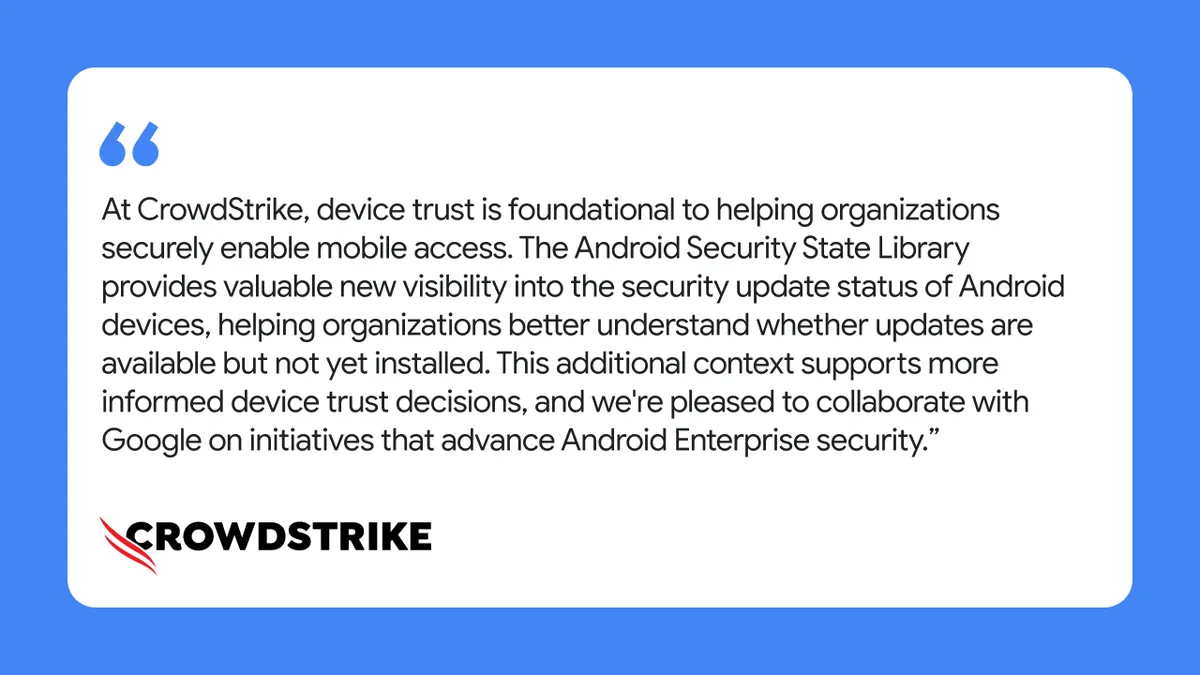
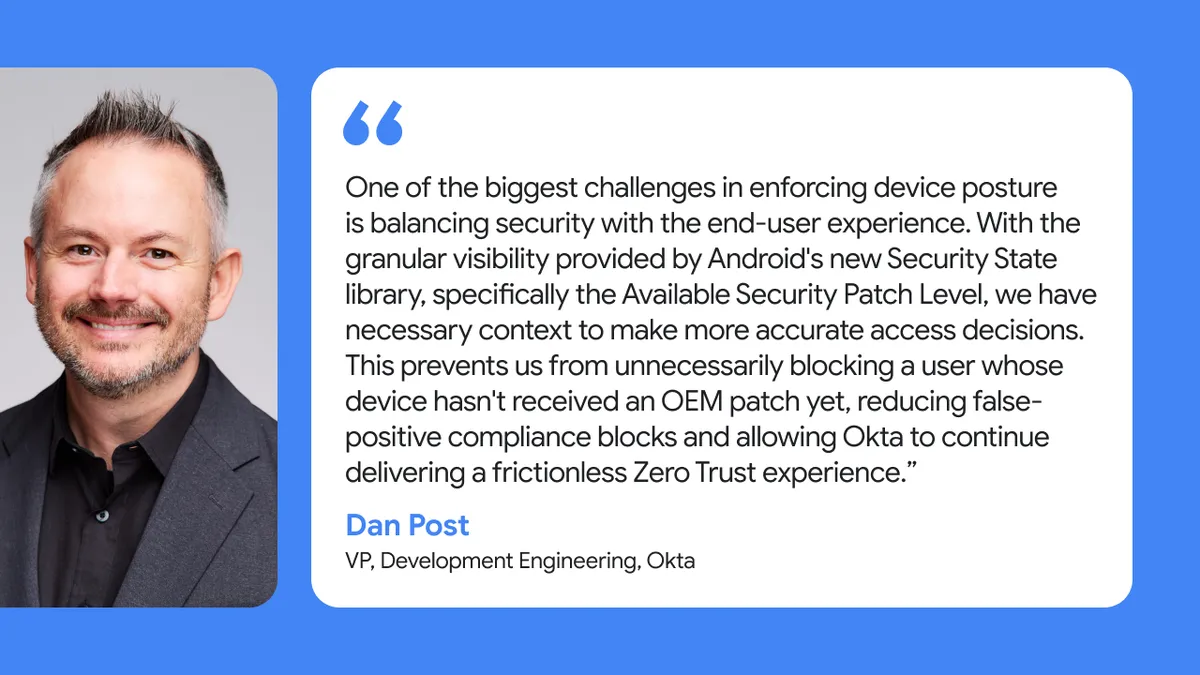
The true value of this unified security view is already being demonstrated through our early partners. By integrating this library, Android Enterprise partners can make better informed access decisions:
For a more technical deep dive into our Security State Library, please read our companion post on the Android Developers Blog.