This content is generated by Google AI. Generative AI is experimental
[[duration]] minutes
Editor’s note: At this year’s British Educational Training and Technology (BETT) conference, we announced new AI solutions designed to help every learner and educator. Here’s a closer look at what’s new.
ChromeOS provides hardware and software tailored for every teacher and student. As the education world evolves, the spaces where students learn must also adapt. Here’s what we’re working on, and what’s coming to classrooms everywhere this year.
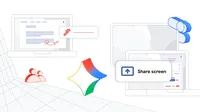
Last year, we launched Class tools, a set of real-time control and student engagement features for managed Chromebooks, available with Google Workspace for Education Plus. With Class tools, teachers can share content, see live feeds of students’ screens, and even lock screens so students can’t do anything other than assigned lessons. Now, we’re announcing a new class tools display app, teacher-led screen sharing and screen annotations.
The Class tools display app expands functionality to a new set of devices in the classroom, enabling seamless learning experiences across student Chromebooks, teacher Chromebook Plus devices and classroom displays. With just a few clicks, teachers can now mirror their own or a student’s screen to the classroom display. Have a problem that requires more discussion, extraordinary student work that’s worth highlighting, or need to present lessons to the class? With screen share, any student or teacher device can be mirrored to help foster collaboration across the classroom.
We’re also giving teachers the ability to annotate anywhere on their screen when using Class tools. That means teachers can easily highlight key information in lessons or specify instructions for students, helping the class focus on what’s most important.
With just a few clicks, teachers can now mirror their own or a student’s screen to the classroom display.
Along with Class tools, we recently announced many new devices to support teaching and learning.
Available as convertibles, touchscreens with stylus or detachables, Chromebook Plus devices let you move around the classroom. They come equipped with advanced AI-powered features like Text capture, which helps you extract information from anything on your screen and receive contextual recommendations, and Quick Insert with Image Generation, which lets you generate high-quality AI images for emails and lesson plans.
To support schools in extending the life of their front-of-class displays, we’ve released new Chromebox OPS devices from AOpen, LG, Newline and CTL, which are plug-in solutions that turn your displays into a ChromeOS device that works with the rest of the devices in your classroom.
Explore our latest Chromebooks and Chromeboxes on our device discovery page.
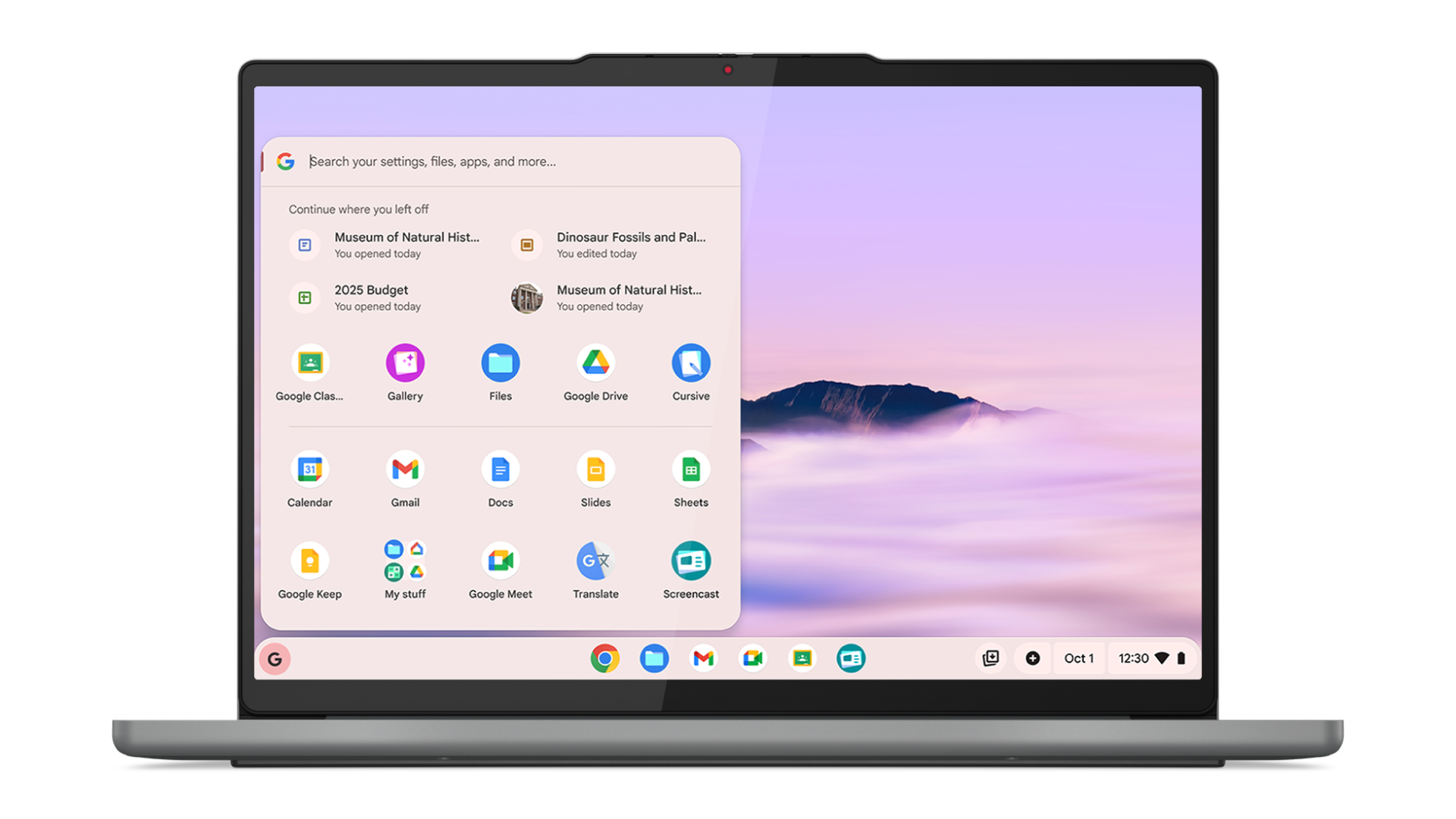
Lenovo Chromebook Plus (14”, 10)
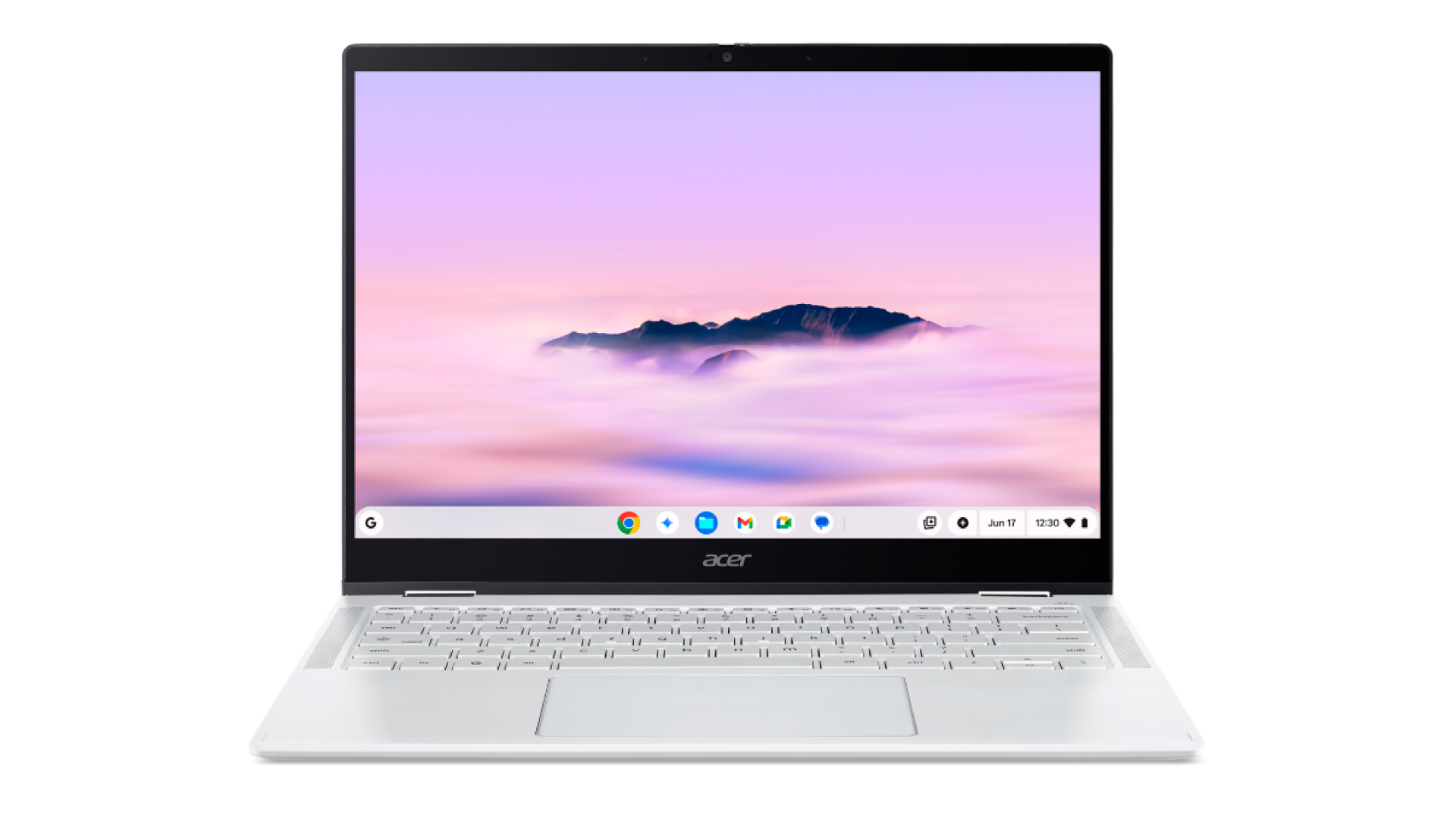
Acer Chromebook Plus Spin 514
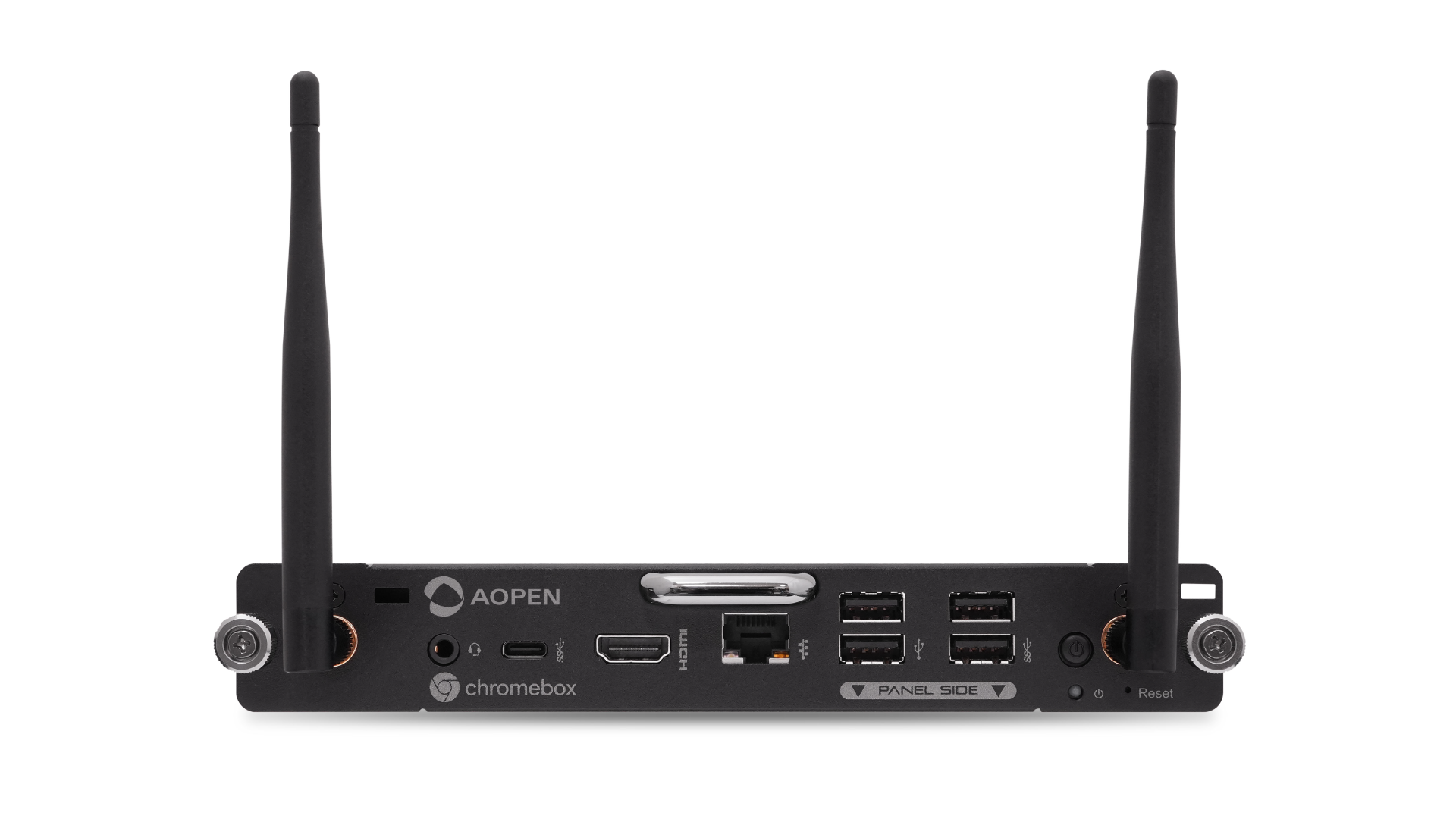
AOpen Chromebox OPS
Gemini in Chrome is now rolling out to all Chromebook Plus devices, helping educators and students stay productive.
Generative AI in the browser supports your class with instant insights and summaries. You can quickly understand long articles, dense PDFs or educational videos to extract key concepts and speed up lesson planning. You also have access to seamless app integrations, allowing you to access Google apps directly from the side panel to schedule meetings or check your calendar without ever having to leave the page you’re on.
We’re looking forward to seeing how schools everywhere use these solutions to modernize their classroom and make it easier than ever to learn and teach. For more information on the latest from ChromeOS, check out our launch guide.