Stay organized and express yourself with Android 16’s new updates

General summary
Android 16 is here with smarter features and more frequent releases. You now have AI-powered notification summaries, a notification organizer, and more ways to personalize your phone. Parents can manage controls directly on their child's device.
Summaries were generated by Google AI. Generative AI is experimental.Basic explainer
Android 16 has some cool new updates. It helps you stay organized by sorting your notifications. You can also make your phone look more like you with custom icons and dark mode. Parents can now easily control their kids' screen time right on the phone.
Summaries were generated by Google AI. Generative AI is experimental.Explore other styles:
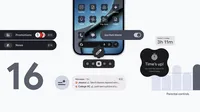
With today's Android 16 release updates, your device is getting smarter, more personal and easier to manage.
This release also marks a new chapter for how Android updates work, moving from a single, yearly operating system update to more frequent releases. This means you get the latest features as soon as they’re ready.
Here’s a look at what’s new:
Stay focused and organized, automatically
Notifications are essential, but they can also be overwhelming. We’re introducing two intelligent features to help you cut through the clutter and stay focused.
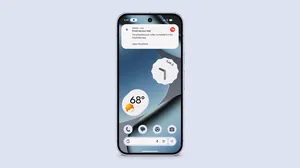
- AI-powered notification summaries condense longer messages and group chats, giving you quick understanding and context at a glance.
- Notification organizer automatically groups and silences your lower-priority notifications (such as promotions, news, and social alerts), making it easier for you to stay focused on what matters with fewer distractions. Notification organizer is rolling out in stages and will be available in the coming weeks.
Express yourself with a more personal interface
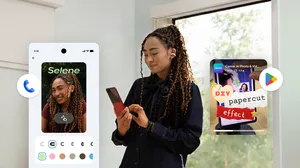
Your phone should reflect your own unique aesthetic. This update brings more ways to customize your experience and make your device truly yours.
- Custom icon shapes allow you to express your style for your device's home screen.
- Themed icons are automatically applied across your apps for a more cohesive and minimal look. This creates a more consistent look and feel across all your apps.
- The expanded option in dark theme automatically darkens most light apps, even those that don’t have their own native dark theme. Dark theme helps save battery and is easier on your eyes.

Manage parental controls directly on your child or teen’s device
We're always working to make it easier for parents to help their children and teens build healthy digital habits. With the new Parental Controls 1 option within Android Settings, families now have a single, easy-to-access place for built-in device controls and Google Family Link.
Protected by an easy-to-set PIN, these on-device controls can be used to:
- Set the amount of screen time that can be spent on a device each day to help establish healthy habits
- Set downtime schedules to automatically lock the device at night to ensure restful sleep without distraction
- Control app usage by limiting time spent on specific apps, or blocking apps entirely
- Add more time by granting extra minutes when a time limit is reached, or to extend a scheduled break
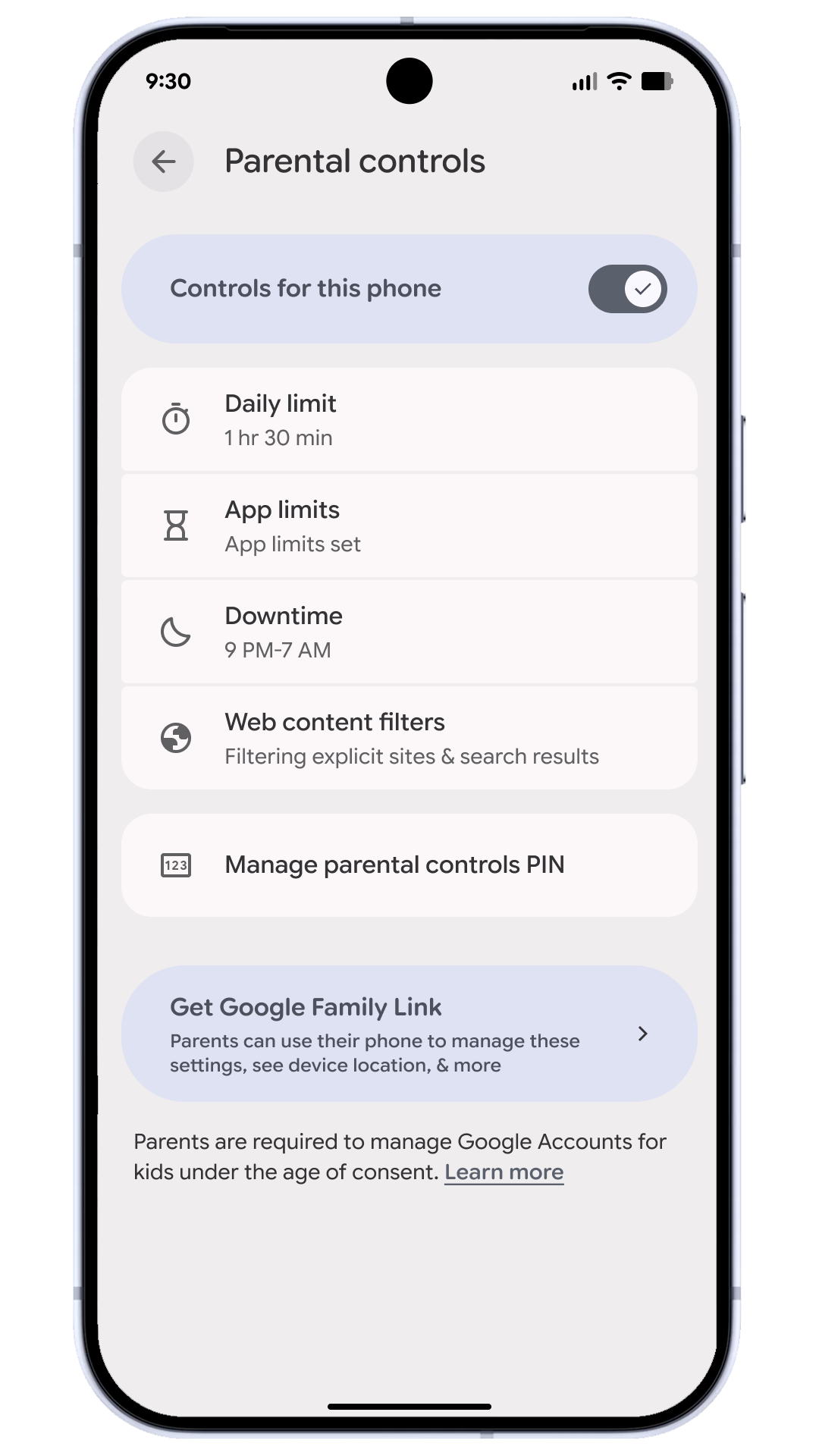
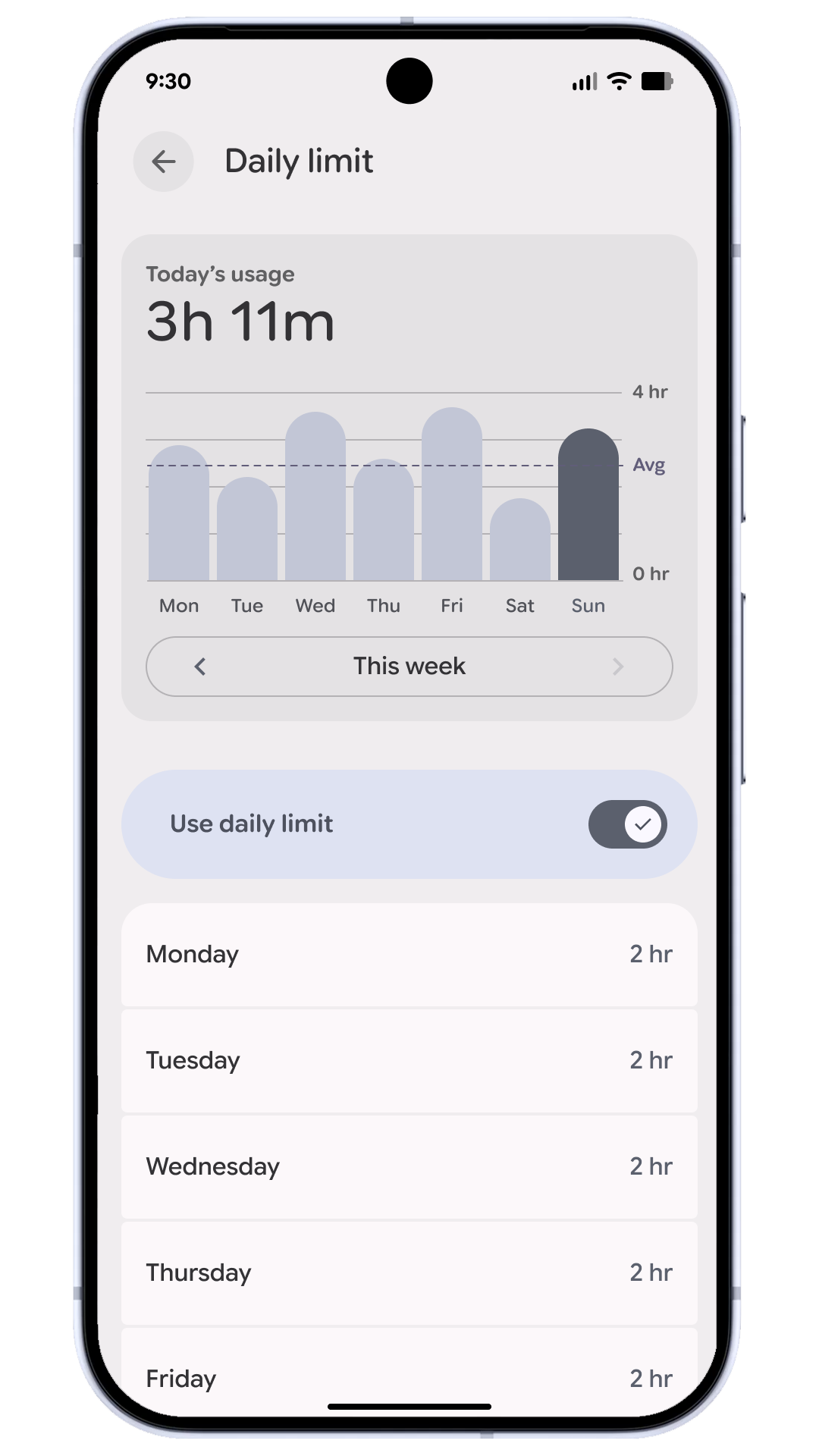
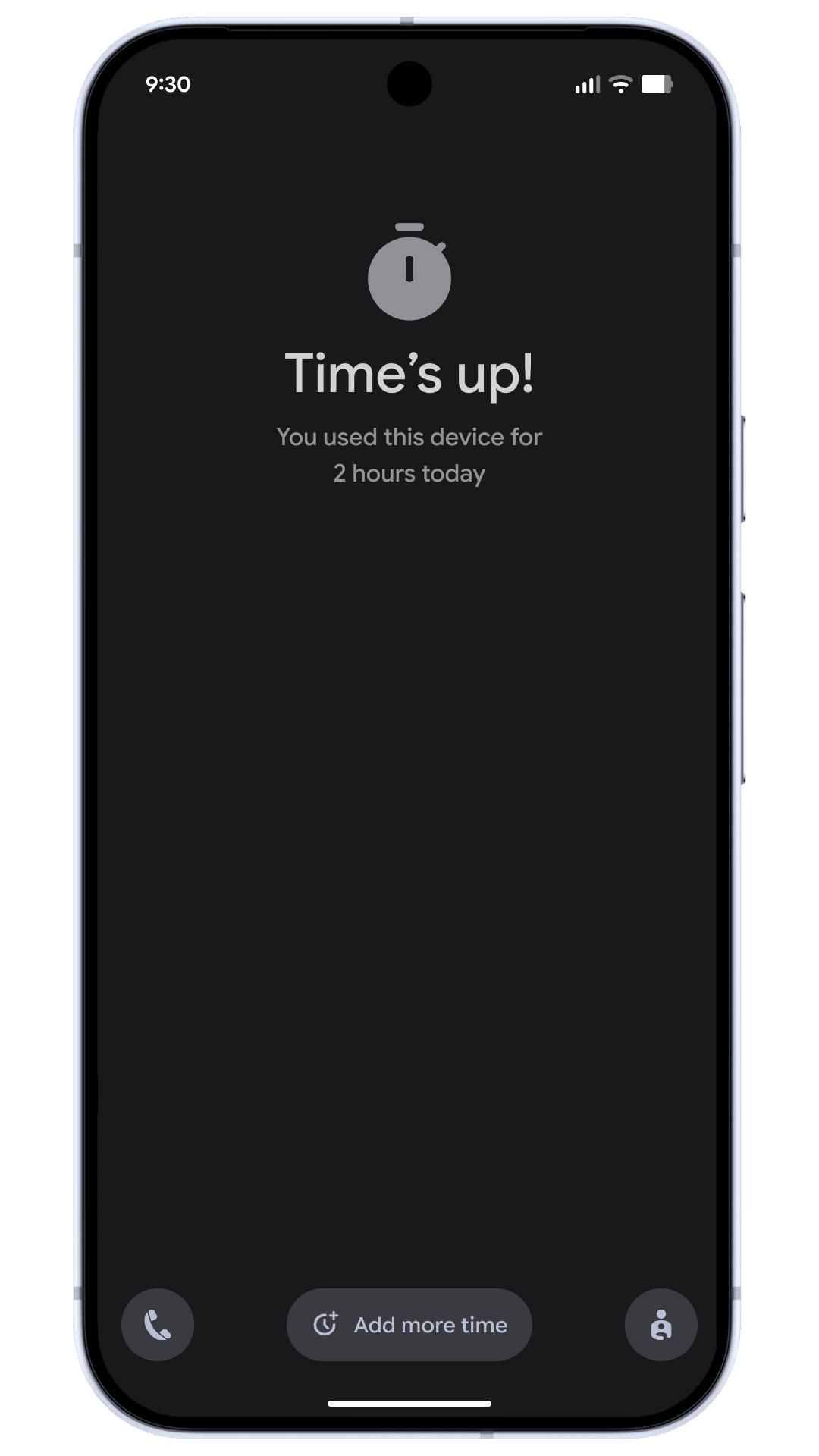
Parental Controls in Settings also provides a direct path to easily set up Google Family Link 2 , which offers more capabilities, like School Time, app purchase approvals, location alerts and more in the Family Link app on a parent’s phone.
Check out the latest updates today
This is just a small sample of what’s new today. These updates are starting to roll out with Android 16 on eligible Pixel devices today.