Google DeepMind
Genie 4: Our new world model
Released as a research preview, Genie 4 lets you create, hear, and steer lifelike environments in real time.
Google DeepMind
Released as a research preview, Genie 4 lets you create, hear, and steer lifelike environments in real time.

Gemini
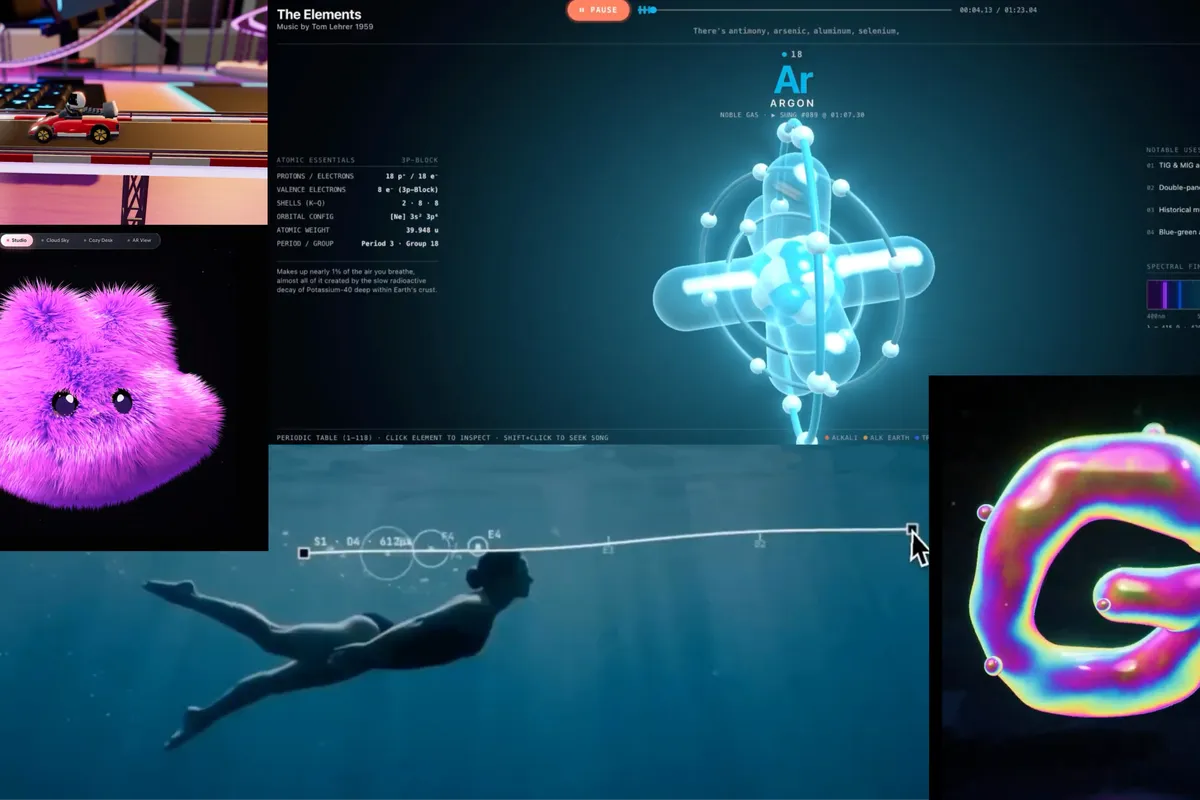
From deep research to interactive 3D design, here are eight examples of what Gemini 4 Argon is capable of.
Fitbit
With a reimagined screen, refined mechanics, and elevated style, our newest fitness tracker looks as good as it performs.
Android
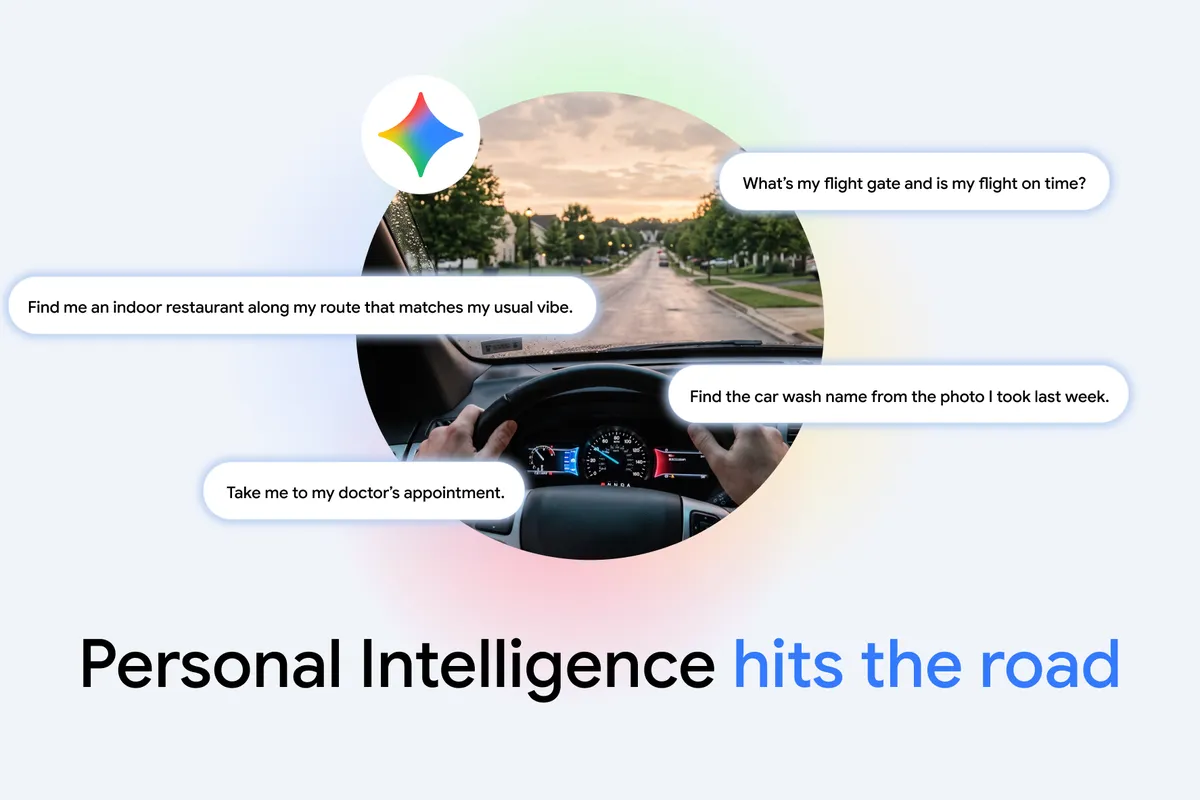
Gemini is available in cars globally. With Personal Intelligence, get uniquely tailored help while keeping your eyes on the road.
Collection
Google Cloud and NASA are collaborating to test proof-of-concept robotic assistants for future missions to the Moon and Mars.
These robotic assistants are powered by models fine-tuned on Google Cloud edge computing and trained in Google DeepMind’s MuJoCo physics engine, and are built to assist astronauts with daily logistics and critical tasks, like retrieving and preparing medical tools during an emergency.
Learn more about how Google Cloud edge computing is supporting the future of space exploration.

Google Frightgeist is our annual interactive website highlighting the top trending searches for Halloween costumes, movies, and more. Here’s a peek at what’s trending in 2026:
Explore the full list of Halloween trends here.
Shop smarter this holiday season with our When to Buy Guide, based on historical data showing when holiday discounts may hit their peak. Mark your calendars:
👃 Shop early for fragrances for the best deals and inventory.
🎮 Promotions for video games and consoles peak during Black Friday weekend.
🧳 For travel gear, shop Black Friday for accessories and late December for suitcases.
🤖 If electronic toys are on your kids’ wish lists, you’ll find the steepest markdowns in the final shopping stretch.
Click through to see the full guide.
PSA: Skills are one of the best ways to automate tasks and save yourself time in Gemini.
✅ With skills, you can save your most-used instructions once and run them endlessly — so you can skip the repetitive prompting and jump straight to the results.
💻 Once you create a skill, just type the @ symbol and the skill’s name directly in the prompt bar.
➕ For bigger tasks, you can stack multiple skills together at the same time.