Build dynamic agentic workflows in Opal
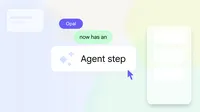
Today we’re upgrading Opal workflows from static model calls to agentic intelligence. Instead of manually picking a model, you can now select an agent in the "generate" step. This agent step proactively determines the best path based on your goal, triggering the right tools and models (like Web Search for research or Veo for Video) to automate complex tasks with less manual configuration.
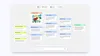
Previously, creating a storybook Opal required you to predefine page counts and user questions. Now, we can create a Visual Storyteller Opal where the agent step autonomously decides which details it needs and suggests plot points to help you direct where the story goes. This marks a shift from rigid formats to dynamic, unique narratives shaped by real-time creative decisions.

From static to interactive experiences
Let’s take an interior design Opal as an example. Before the agent step, an Interior Design Opal felt like a simple one-way process: upload a picture, input your style, and receive an image of your redesigned space. With the new agent step, your leveled up Room Styler Opal starts to feel interactive and more like another design partner you're collaborating with.
Upload a photo of your empty living room and describe your mid-century modern vision. The agent will generate an initial concept featuring era-specific decor and palettes. If it’s not quite right, you can provide feedback on specific elements. By iterating through this dialogue, the agent refines its grasp of your aesthetic and can even research niche design sub-styles to create redesigned images that feel uniquely yours, rather than a generic showroom template.
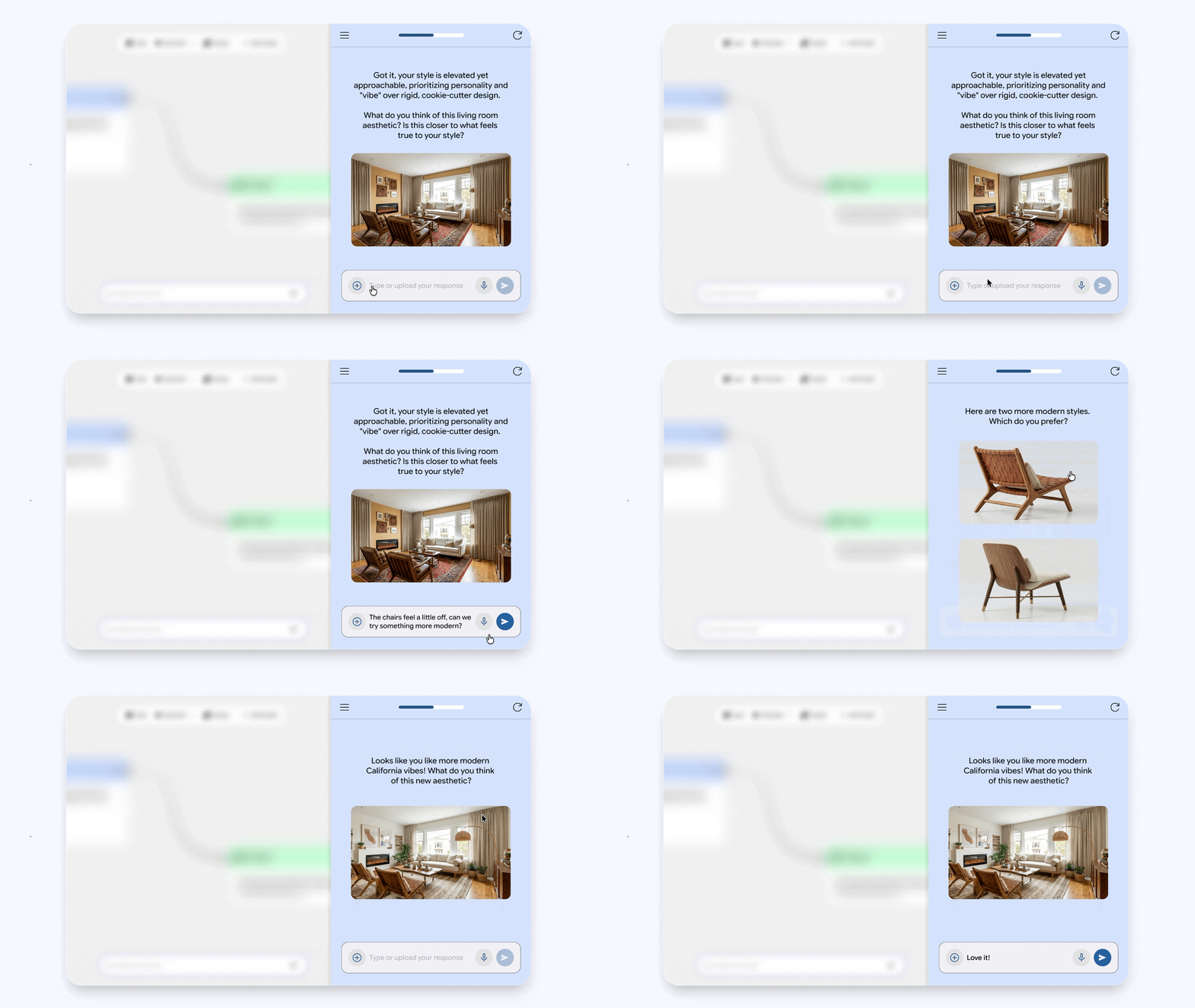
Opal can now create these interactive experiences because the agent understands your goal, thinks about the best way to get it done, reaches out to you when it needs your input and recruits the best models and tools to get the job done.
New tools to make your Opal agent more capable
- Memory: Whether it's a user’s name, your style preferences or a running shopping list, your Opals can now remember information across sessions. This makes your Opals grow smarter and feel more personal the more you use them. In this Video Hooks Brainstormer Opal, the agent step stores the user's brand identity and preferences to its memory, allowing you to generate tailored video ideas instantly without repeating your preferences.
- Dynamic routing: Take full command of your workflow by defining multiple paths an agent can follow based on custom logic. Simply describe your criteria, and the agent will intelligently transition to the correct step once those conditions are met. In the Executive Briefing Opal the agent step tailors your briefing based on whether you’re meeting with an existing or new client. It searches the web for new client backgrounds or reviews internal meeting notes to provide relevant context.

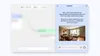
- Interactive chat: Sometimes an AI agent needs to ask a follow-up question. The agent step can now initiate a chat with the user to gather missing information, or offer choices before moving to the next stage of the plan. Let's use the Room Styler Opal as an example. If a user didn’t give enough detail at first, the Opal will keep asking questions or showing examples.
More ways to build in Opal
We believe this approach gives you the best of both worlds: the power of an AI agent working towards your goal and the control of a step-by-step workflow you can customize and refine at any time.
We’ve kept Opal simple while making it significantly more capable. New users will find that Opals "just work" because the agent in the generate step is smart enough to self-correct, remember and optimize. For our power users and builders, the standard fixed steps are available whenever you need high-precision prototyping or rigid logic. By bridging the gap between automation and control, we’re expanding the horizons of what you can build. We can’t wait to see your new agent-powered Opals in action!