5 things from I/O to try right now
The future we unveiled at Google I/O? Much of it is already here. But with so many announcements, you might be wondering what’s actually ready for you to try right now. Here are a few features, models and tools now available globally.
1. Enhance your visuals with Imagen 4
Imagen 4 is our best image generation model yet. It’s got clarity in fine details like intricate textures, and excels in both photorealistic and abstract styles. Want to add words? Imagen 4 is significantly better at spelling and typography than previous versions. Plus, it can create images in a range of aspect ratios and up to 2K resolution so you can get even higher-quality for printing and presentations.
Imagen 4 is available in the Gemini app, Whisk, Vertex AI and across Workspace.
With Imagen 4, comics come to life with improved spelling, longer text strings and new styles.

2. Add your own sources to Deep Research
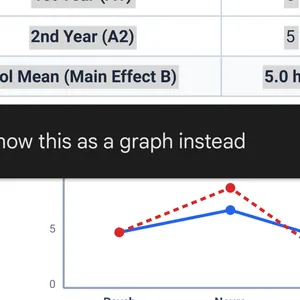
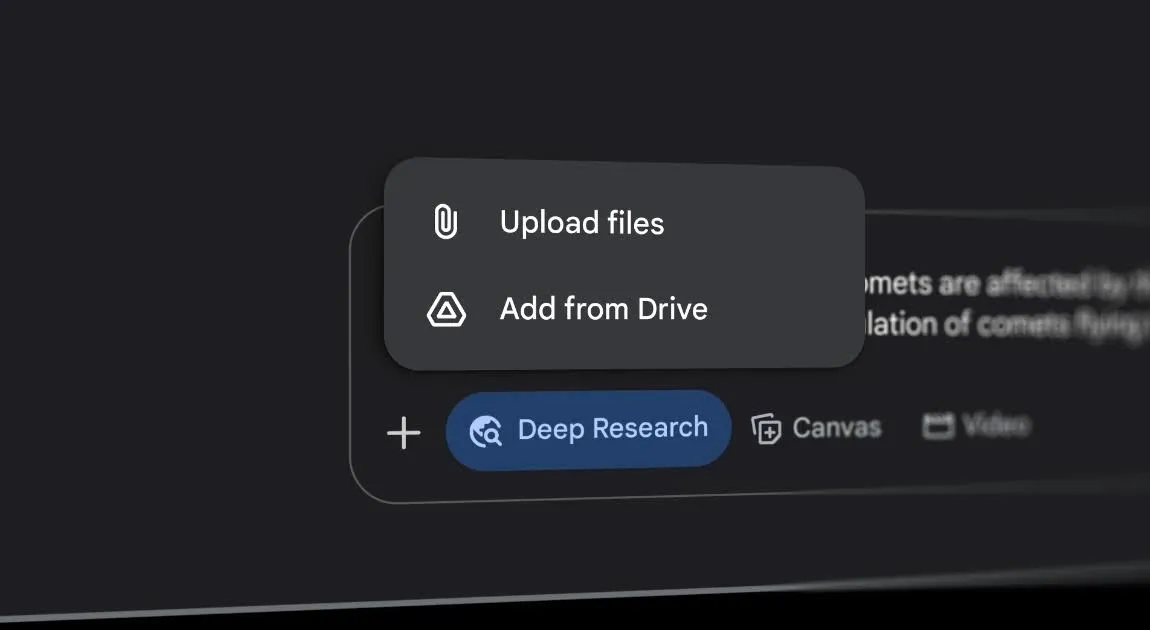
Now you can create customized Deep Research reports by uploading your own PDFs and images in the Gemini app. Combine public information with your private data to save time, uncover hidden connections and generate a complete analysis, all in one place. You can then transform those reports into interactive visuals, quizzes and more in Canvas.
Try it in the Gemini app.
Get deeper insights by adding your own sources.
3. Delegate coding tasks to Jules
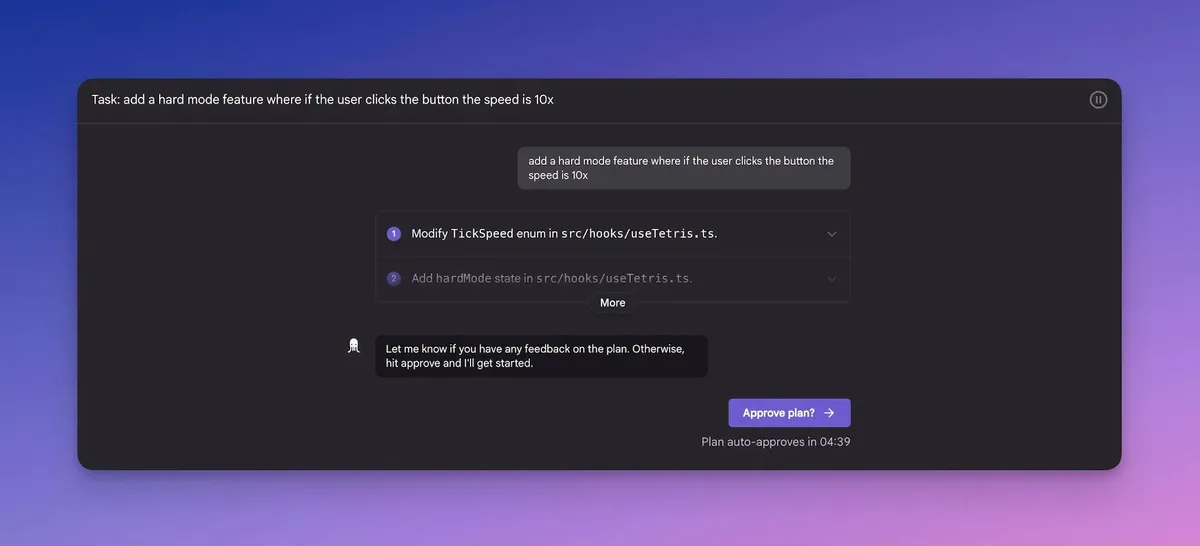
Jules is our new autonomous coding agent, powered by Gemini 2.5 Pro. Just point it to a task in your GitHub repo. It works asynchronously in a secure environment to fix bugs, implement new features and handle dependency updates, delivering a clean pull request directly for you to review. You can delegate multiple backlog items and coding tasks at the same time, and even get an audio overview of all the recent updates to your codebase.
Jules is in public beta, available to everyone at jules.google.
Once you start a task in Jules, it generates a plan before writing any code.
4. Transform ideas into UI designs with Stitch
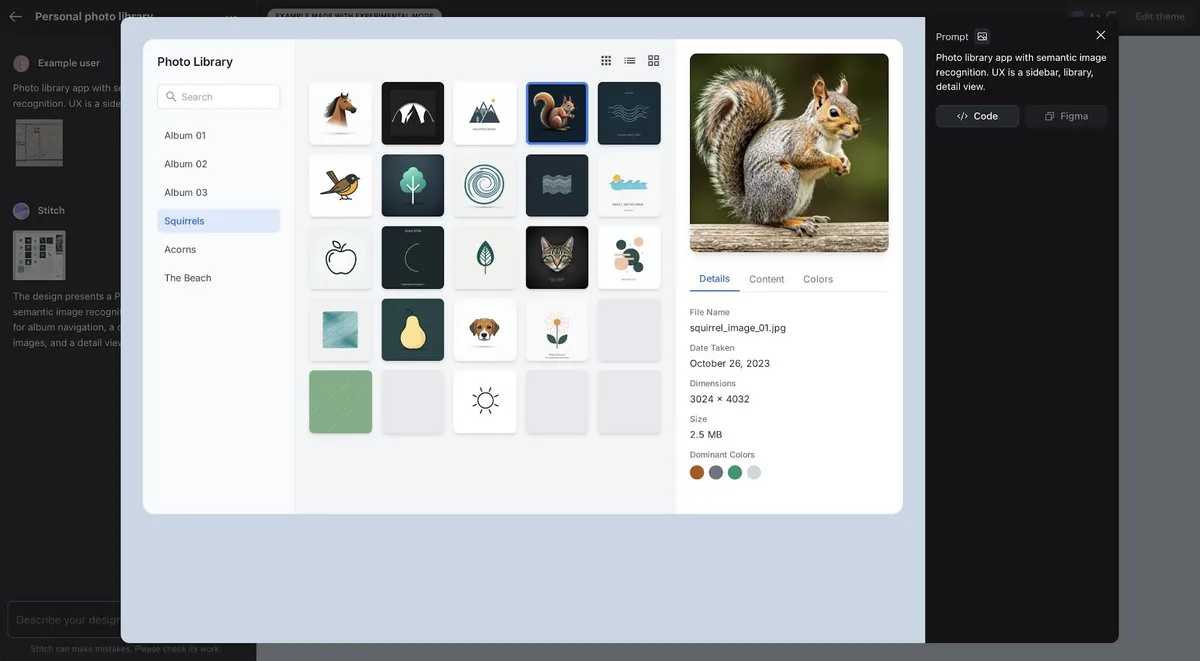
With Stitch, you can turn simple prompts, wireframes or images into high-quality UI designs and corresponding frontend code for desktop and mobile. Iterate on your designs conversationally, adjust themes and easily export your creations to CSS/HTML or Figma to keep going.
Try it out at stitch.withgoogle.com.
Generate a UI design from natural language, images or wireframes.
5. Create videos with audio using Veo 3
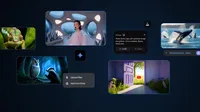
With Veo 3, you can generate videos with audio. Veo 3 lets you add sound effects, ambient noise and dialogue to your creations — generating all audio natively. It also has better visual quality, a stronger understanding of physics, improved prompt adherence and more intuitive controls.
Veo 3 is available in the Gemini app, Vertex AI and our new AI filmmaking tool, Flow.
Watch how Veo 3 generates video with audio that includes dialogue between two characters.

These are just a few examples of what you can try now, with more available in select markets and rolling out in the coming weeks and months.