Create your own maps and stories in Google Earth
As humans, we've always bonded by sharing stories about the places that matter to us. It likely started around a campfire—elders recounting tales of sites sacred to their people. Today, we use technology to celebrate our ancestry, raise awareness about places we care about, and rekindle memories of home.
For nearly 15 years, people have turned to Google Earth for a comprehensive view of our planet. But our mission has never been to just show you a static picture of the planet; we want to bring the world to life. With new creation tools now in Google Earth, you can turn our digital globe into your own storytelling canvas, and create a map or story about the places that matter to you.
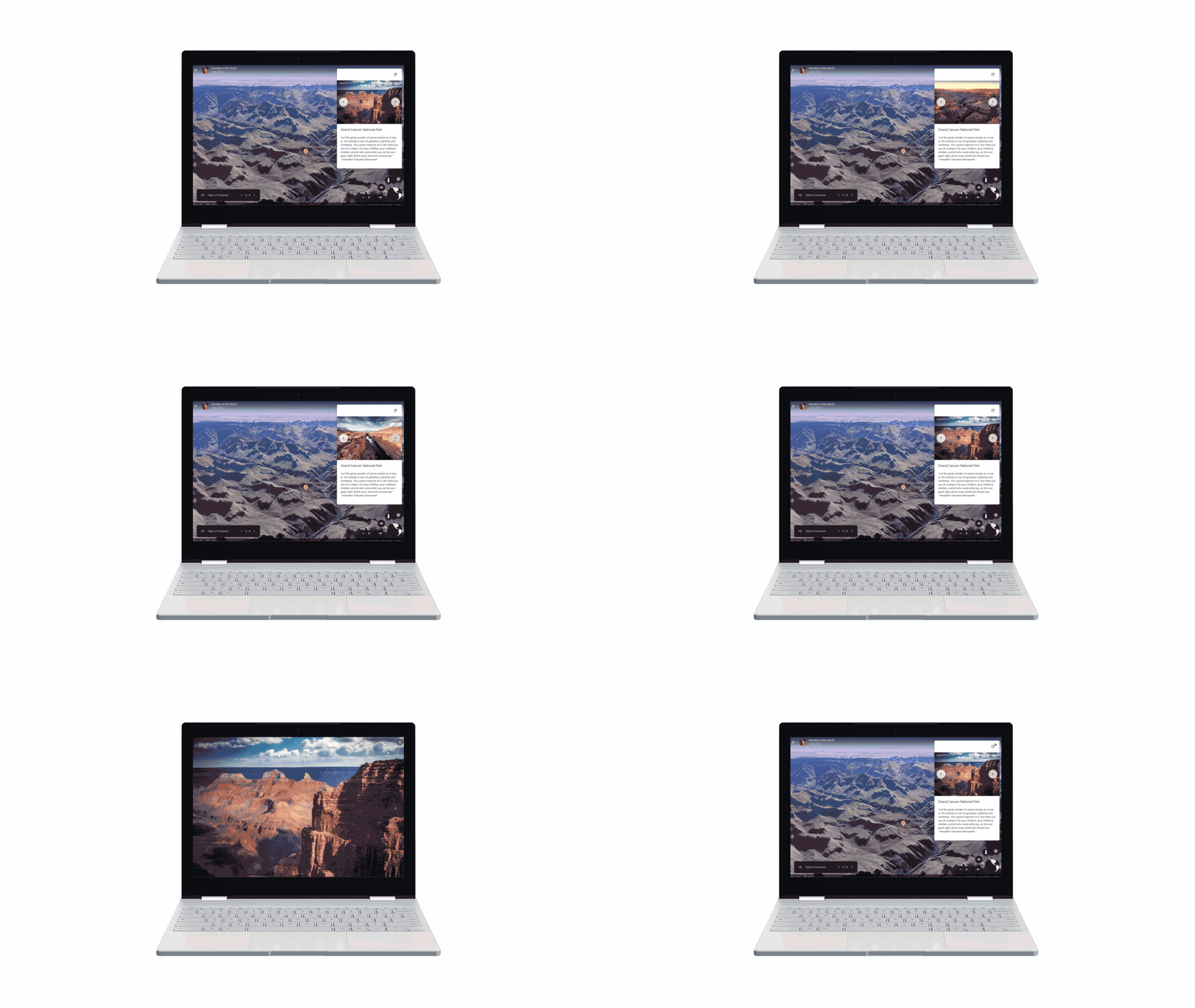
With creation tools in Google Earth, you can draw your own placemarks, lines and shapes, then attach your own custom text, images, and videos to these locations. You can organize your story into a narrative and collaborate with others. And when you’ve finished your story, you can share it with others. By clicking the new “Present” button, your audience will be able to fly from place to place in your custom-made Google Earth narrative.
See what people are making with the new creation tools:

Build maps that help people connect with a river under threat.

Take people on a 3D tour of Renaissance architecture in Italy.

Illustrate the harrowing journey one enslaved person took to freedom.

Travel on an Antarctic expedition with a Japanese art teacher.
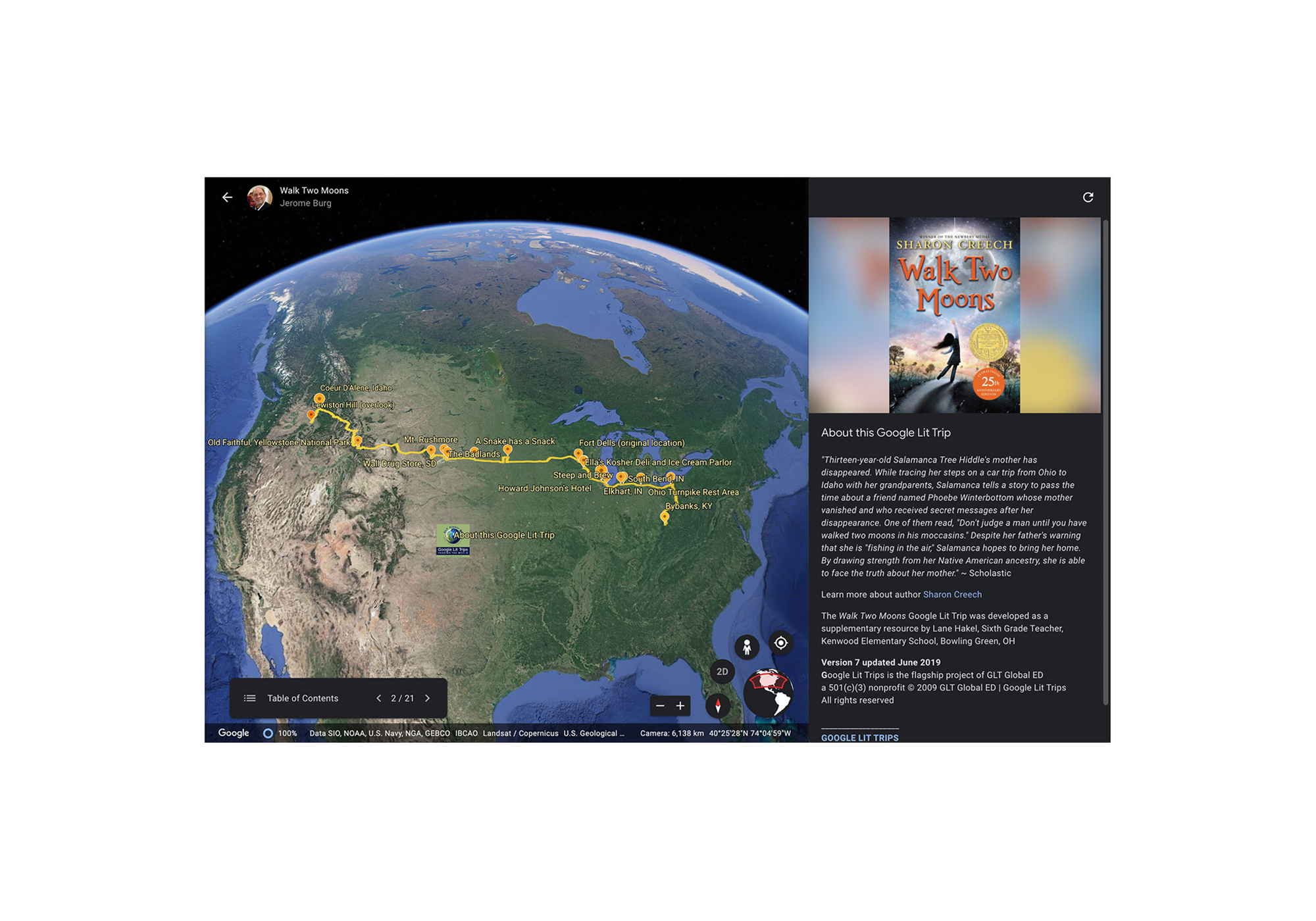
Bring the classic young adult novel Walk Two Moons to life.
Two years ago when we rewrote Google Earth for modern browsers and devices, we launched the Voyager program to start to infuse the globe with stories from the world's best storytellers. Today, we’re taking the next and most significant step forward: turning the power of mapmaking and storytelling over to you.
Creation tools are now available in Google Earth on web. You can view your projects on mobile and tablet devices using the latest version of our iOS or Android app. Thanks to an integration with Google Drive, you can share your stories with your audience and they can view it anywhere—their phone, tablet or laptop. Best of all, you can invite others to collaborate and co-author projects with you.
Check out what you can do with the new creation tools:
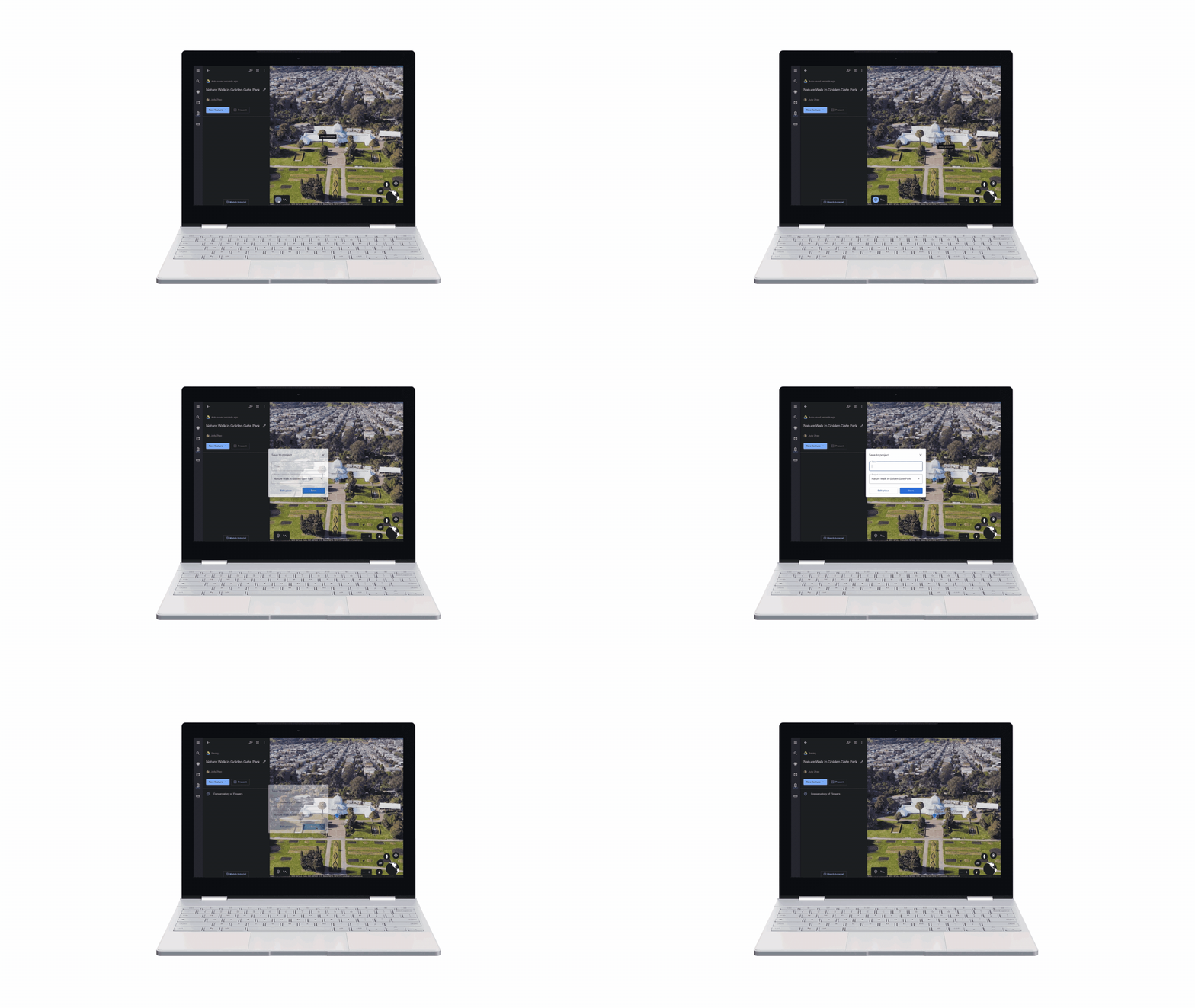
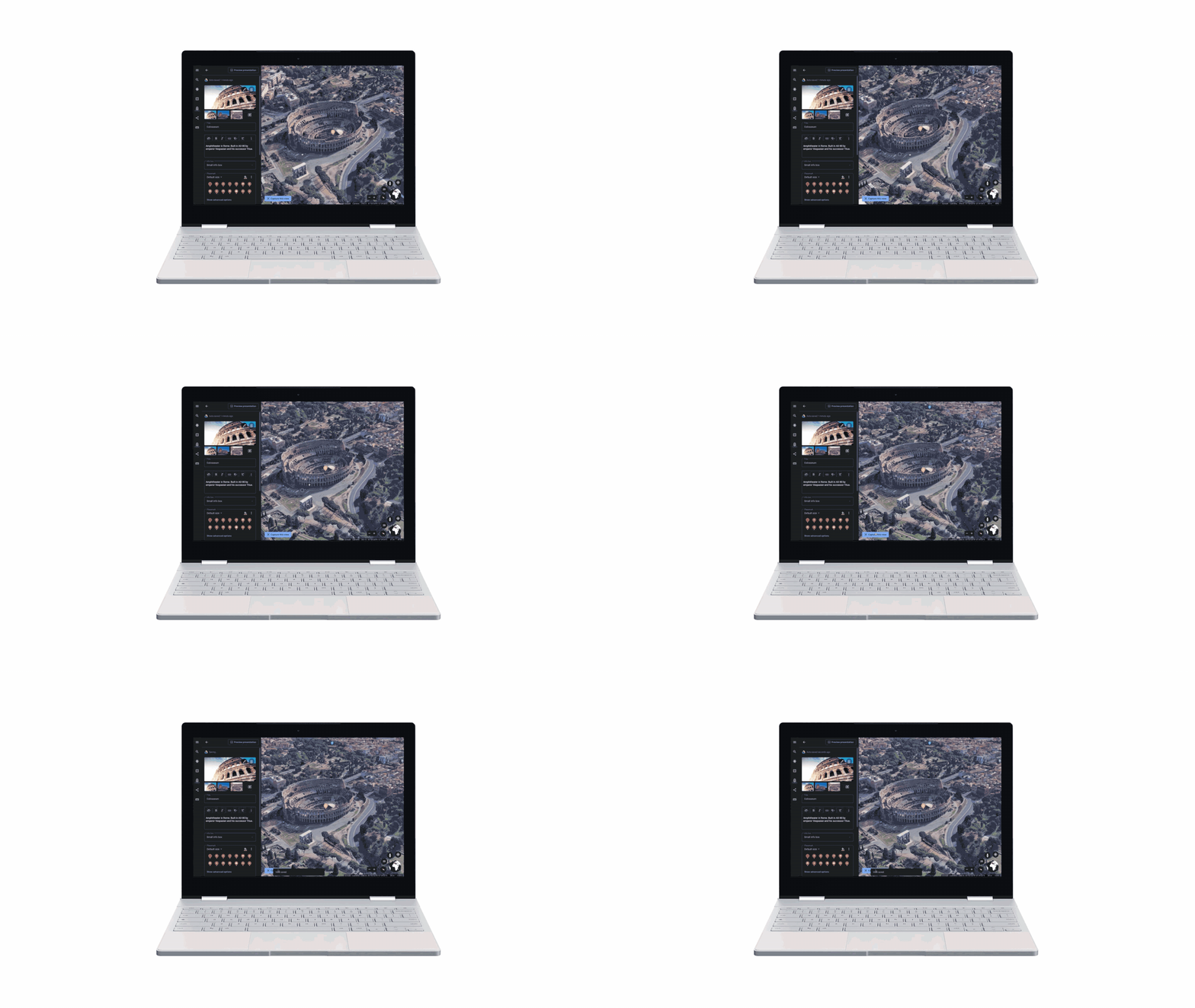
Set the scene. Pick just the right 3D view to frame your scene, or dive into Street View to capture the view from the ground.
Add rich text, photos & videos: Bring your projects to life with photos and videos. Use the rich text editor to add a narrative.
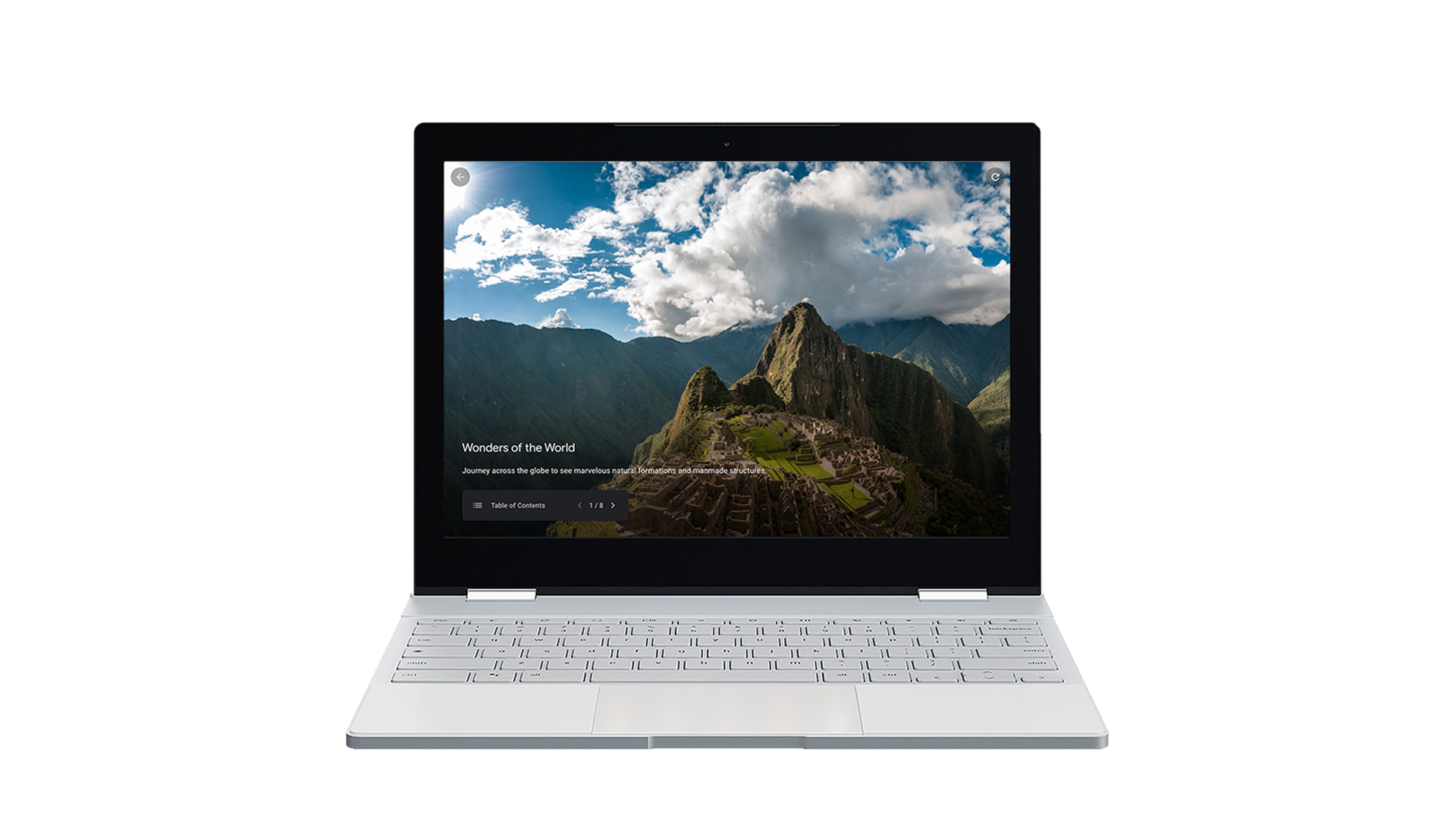
Fullscreen slides: The slide feature lets you create title cards or break up your project into sections.
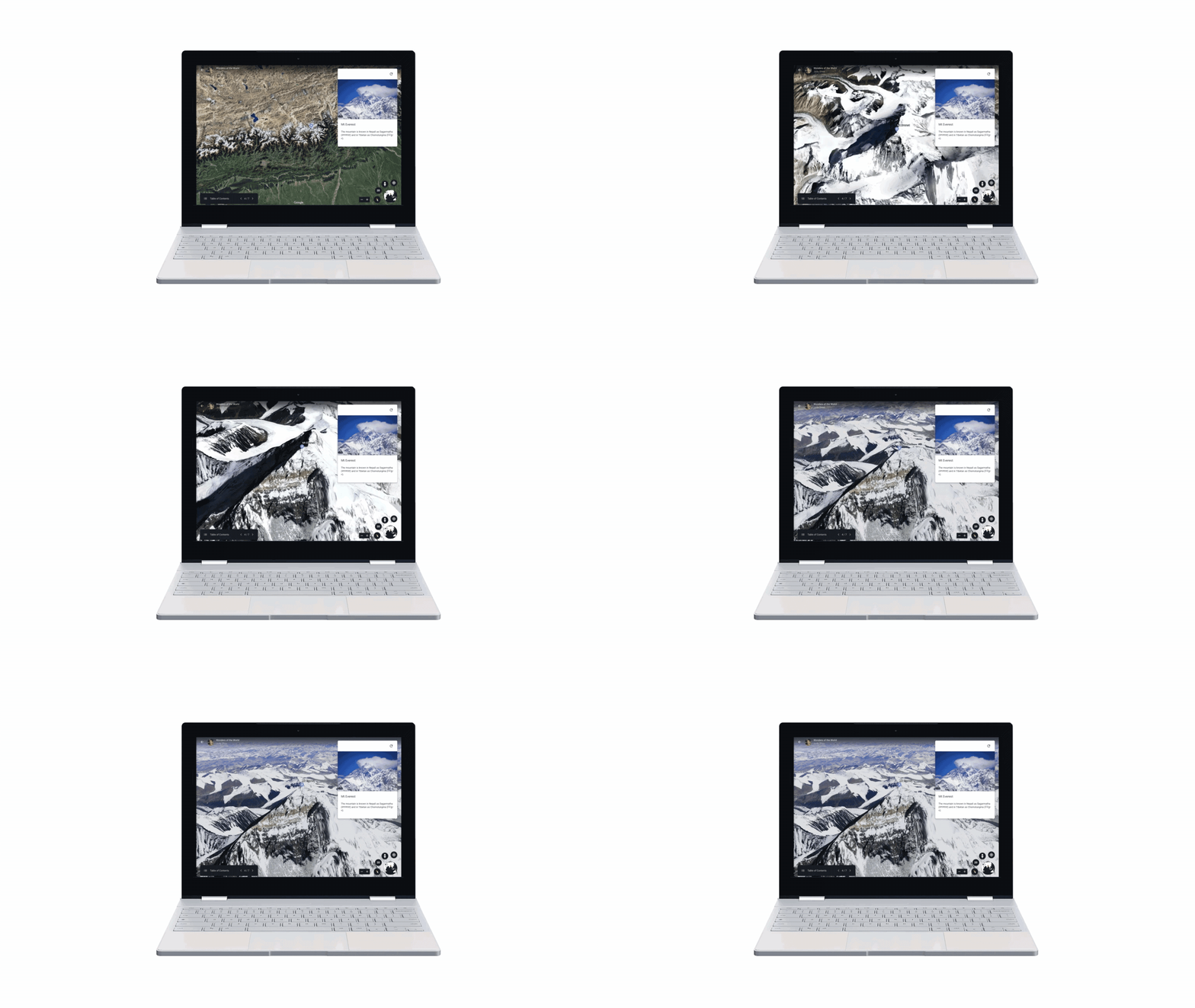
Show and tell: Click the Present button to take your project fullscreen and take anyone on an immersive and interactive tour of the places you care about.

Share and collaborate: Best of all, creation tools are integrated with Google Drive so you can collaborate with others on your projects.
We're excited to see the stories you tell in Google Earth, and we'll continue to build out this new capability with your help and feedback.