[[duration]] minutes
This content is generated by Google AI. Generative AI is experimental

There are many ways to stay informed and find news across Google. The Google News app and news.google.com are specifically designed to help you make sense of what’s happening in the world through a dynamic and personalized experience that you control.
Here are five ways Google News works:
Your Google News homepage and app feeds aren’t static. They automatically update throughout the day so you get the latest information as it becomes available. This means your homepage changes depending on when you’re visiting Google News and the news cycles of the moment.
Our systems surface content from a wide variety of publishers. In the past month alone, people saw content from over 145,000 different sources on Google News. To help customize your news feed at this scale, Google News doesn’t use human editors to hand pick or curate the stories you see, ensuring you have access to a broad variety of content available on the web.
Your Google News experience is shaped by what’s relevant to you based on what you’ve engaged with in the past and where you’re located. Additionally, features like “Picks for You” on the main News page offer more personalized results, and we also have a dedicated tab where you dig deeper on results that are tailored to you.
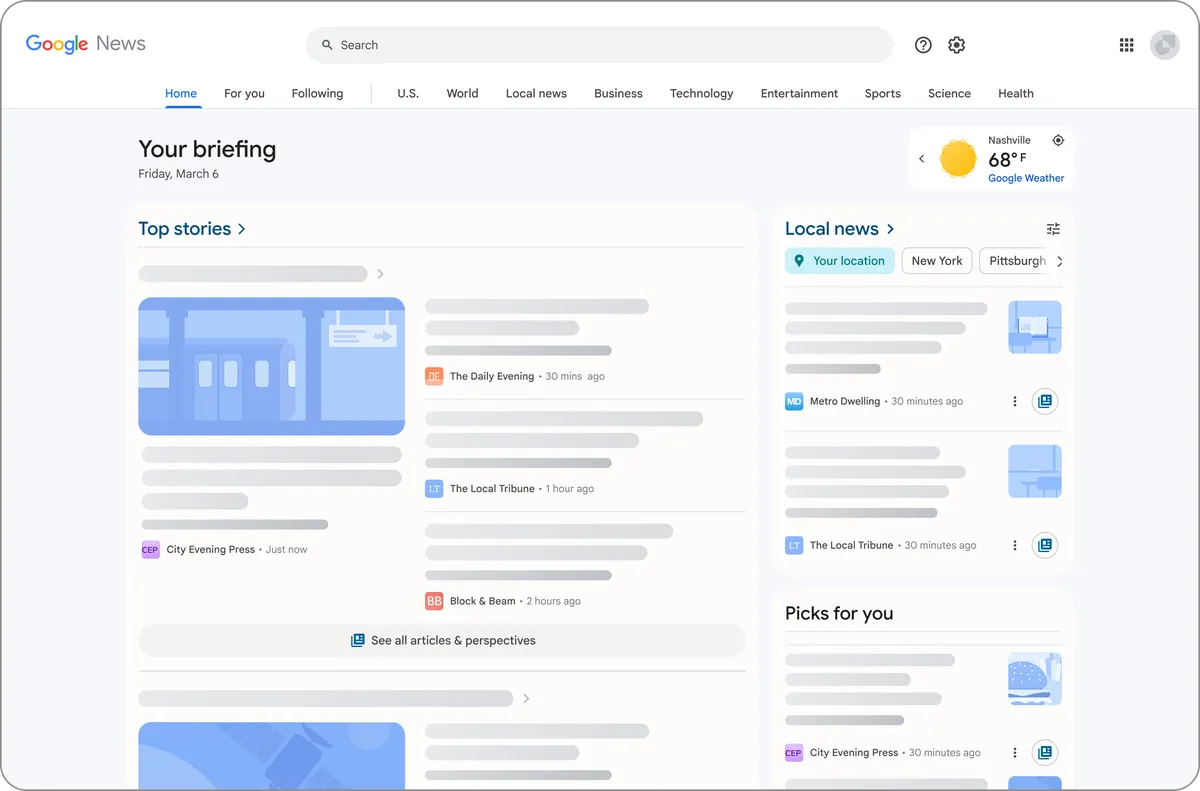
With the Local News feature, Google News helps you catch up on what’s happening where you are. The Local News tab also provides a localized feed of stories about your area, and you can follow specific locations like your hometown or favorite vacation spot to see more updates on the places that matter to you.
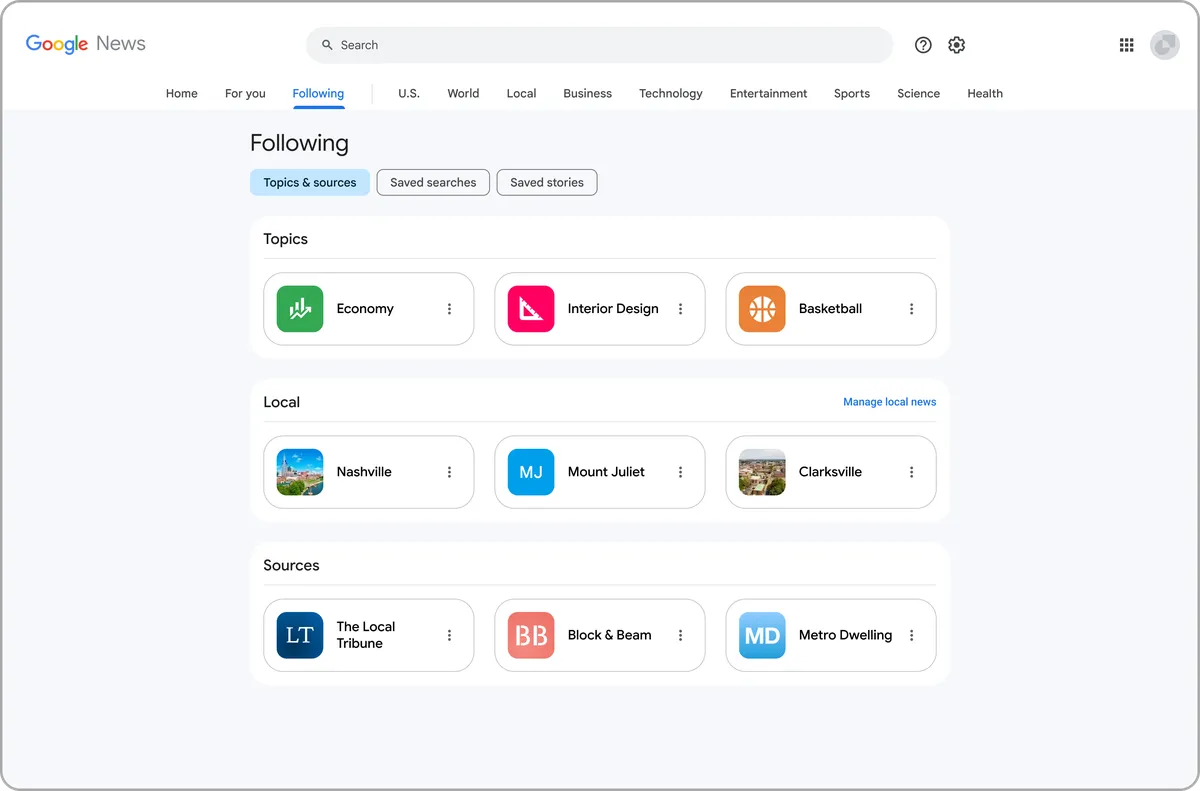
You can follow your favorite sources on Google News so you see more updates from the sources you value most. Just visit their publisher pages or browse the “Sources” section in the Home tab to get started.
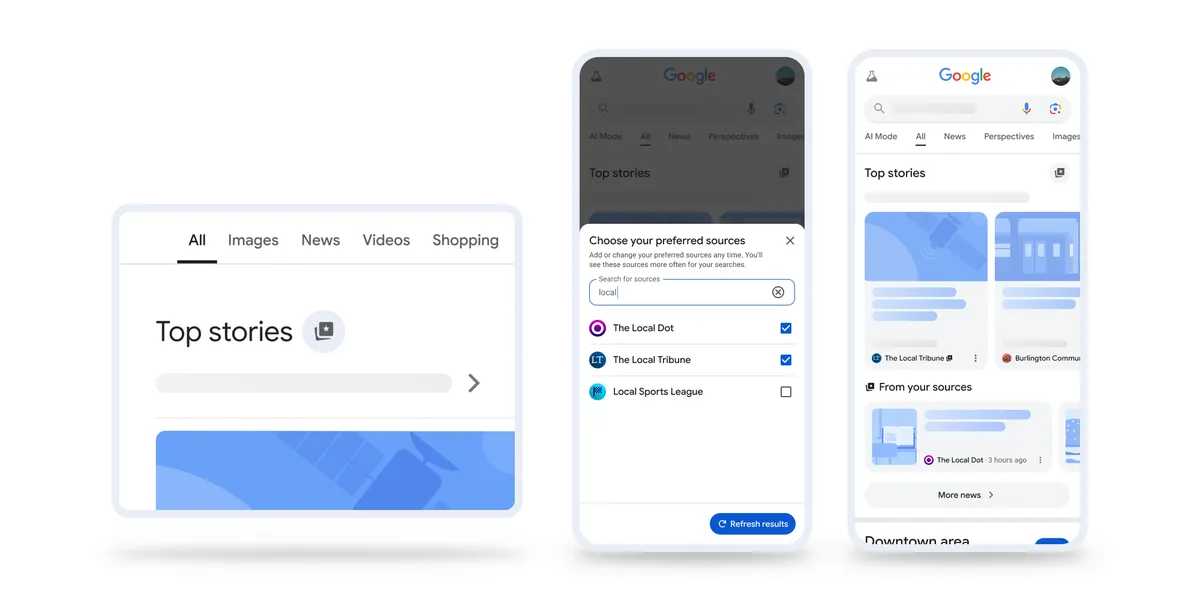
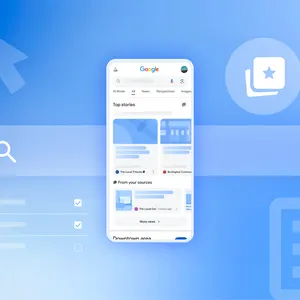
We also made it even easier for you to select your preferred sources directly on Search. Simply click the star icon in Top Stories to choose the sources you want to see more of — from local blogs to global news organizations.
Whether you’re getting updates from Google News, searching for a specific story on Search or catching up on your interests on Discover, you can find relevant and timely news in a variety of ways across our products. Through these features, we aim to make it easy to find information from a wide breadth of sources, follow a story from multiple angles and connect with the reporting you find valuable.
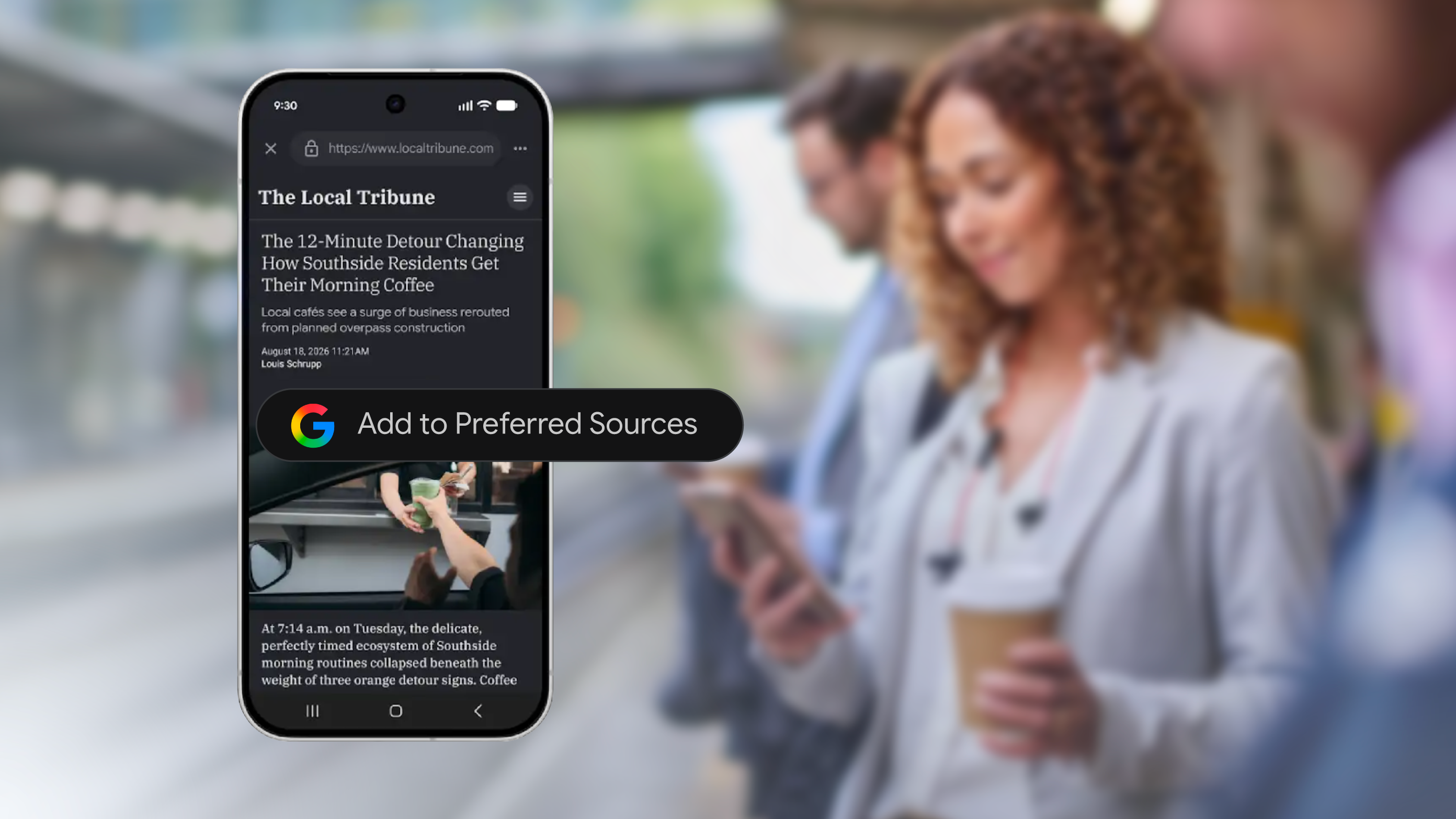


Whether it’s a journalist on social media or a digital news startup, emerging news providers are playing a growing role in helping people stay informed on news that’s im…
