[[duration]] minutes
This content is generated by Google AI. Generative AI is experimental

With the rapid advances in AI, we’re constantly upgrading our generative AI experiences in Search, like AI Mode and AI Overviews. These experiences are most helpful when they make it easy for you to connect with authentic voices and explore useful information across the web. That’s why we're continuing to improve how we show links in our AI Search features, and developing new ways to help you find the sources, brands and websites you value.
Here are five new updates to help you explore relevant websites, deep insights and original content:
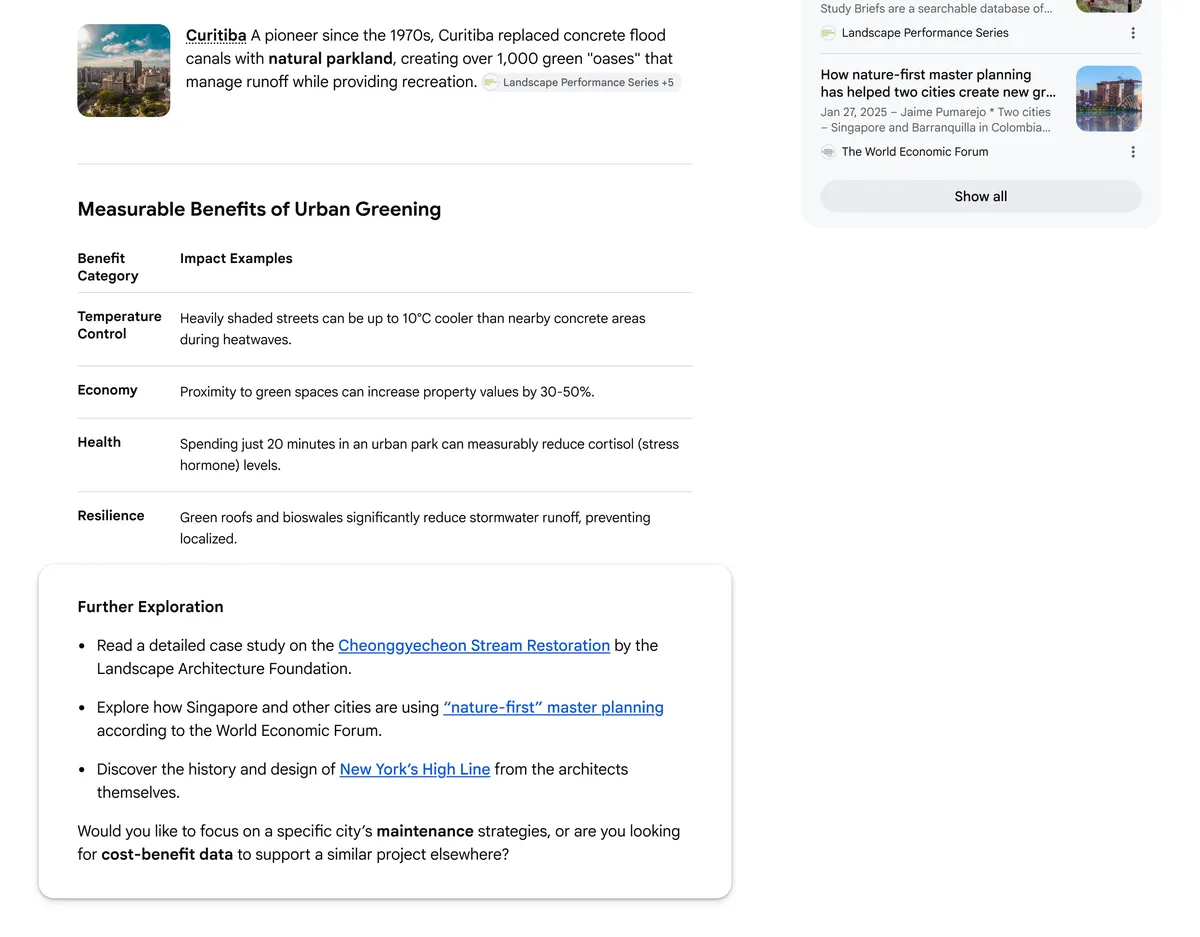
An AI response is often just the beginning of exploring a topic you’re interested in. To make it easier to dive deeper into the web after your initial query, you’ll start to see suggestions for where to go next at the end of many AI responses. This section links to unique articles or in-depth analyses on different facets of your topic, making it easy to satisfy your curiosity. For example, if you’re looking into how cities have added more green space, you might see a case study on a successful stream restoration in Seoul, or a report on how architects designed New York’s High Line park.
Links to in-depth articles in response to a search for information about municipal green spaces
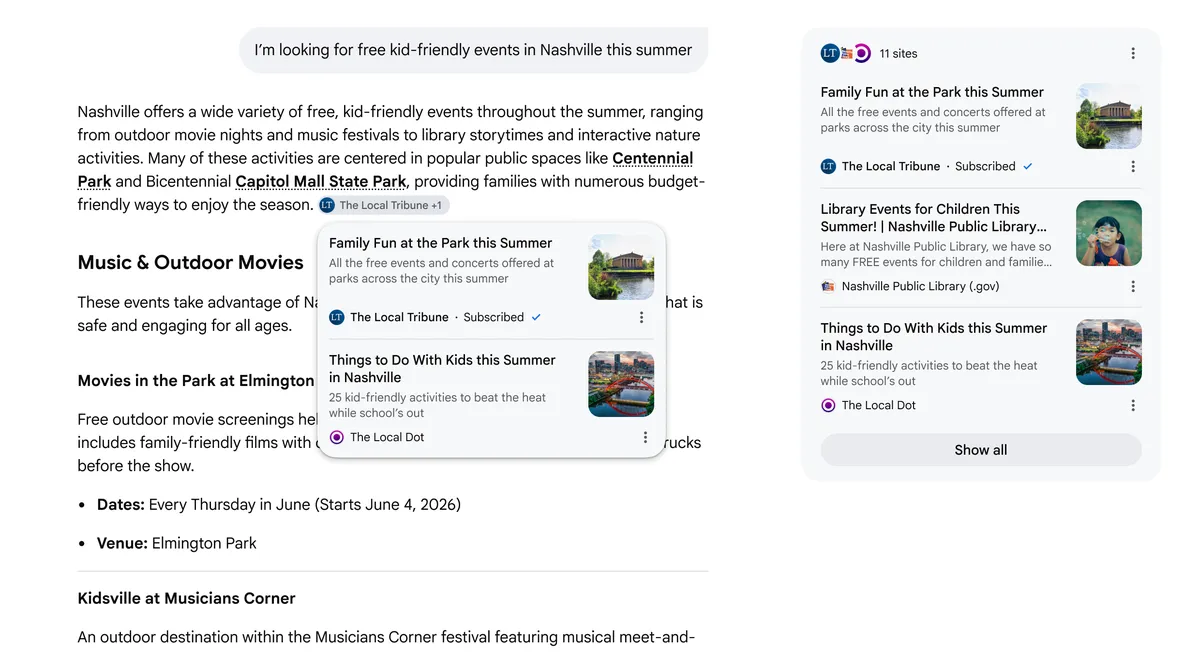
Your favorite sources should be easy to find. We’re now rolling out a new feature that highlights links from your news subscriptions in AI Mode and AI Overviews, so you can quickly access the content you trust and get more value from your subscriptions.
For publishers who want to learn more about helping their subscribers link subscriptions with Google, fill out this form. In early testing, we saw that people were significantly more likely to click links that were labeled as their subscriptions.
Article links in an AI response about kid-friendly Nashville events have "Subscribed" labels so you can easily spot content from your subscriptions
For many searches, people are increasingly seeking out advice from others. To help you find the most helpful insights to explore further, AI responses will now include a preview of perspectives from public online discussions, social media, and other firsthand sources. We’re also adding more context to these links, like a creator’s name, handle, or community name, to help you decide which discussions you might want to read or participate in. For example, if you’re researching how to take great pictures of the northern lights, you might see quotes from a photography forum advising on exposure time, along with clickable links – featuring the specific community name – so you can jump to the full conversation.
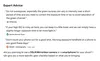
Quotes about photographing the northern lights from an aurora borealis tour company and photography community. Note: This feature will display different titles, such as “Community Perspectives,” depending on the query and the response. Note: This feature will display different titles, such as “Community Perspectives,” depending on the query and the response.
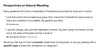
Quotes about weeding from two gardening-related websites.
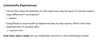
Quotes about learning to do the splits from websites about yoga and pilates.
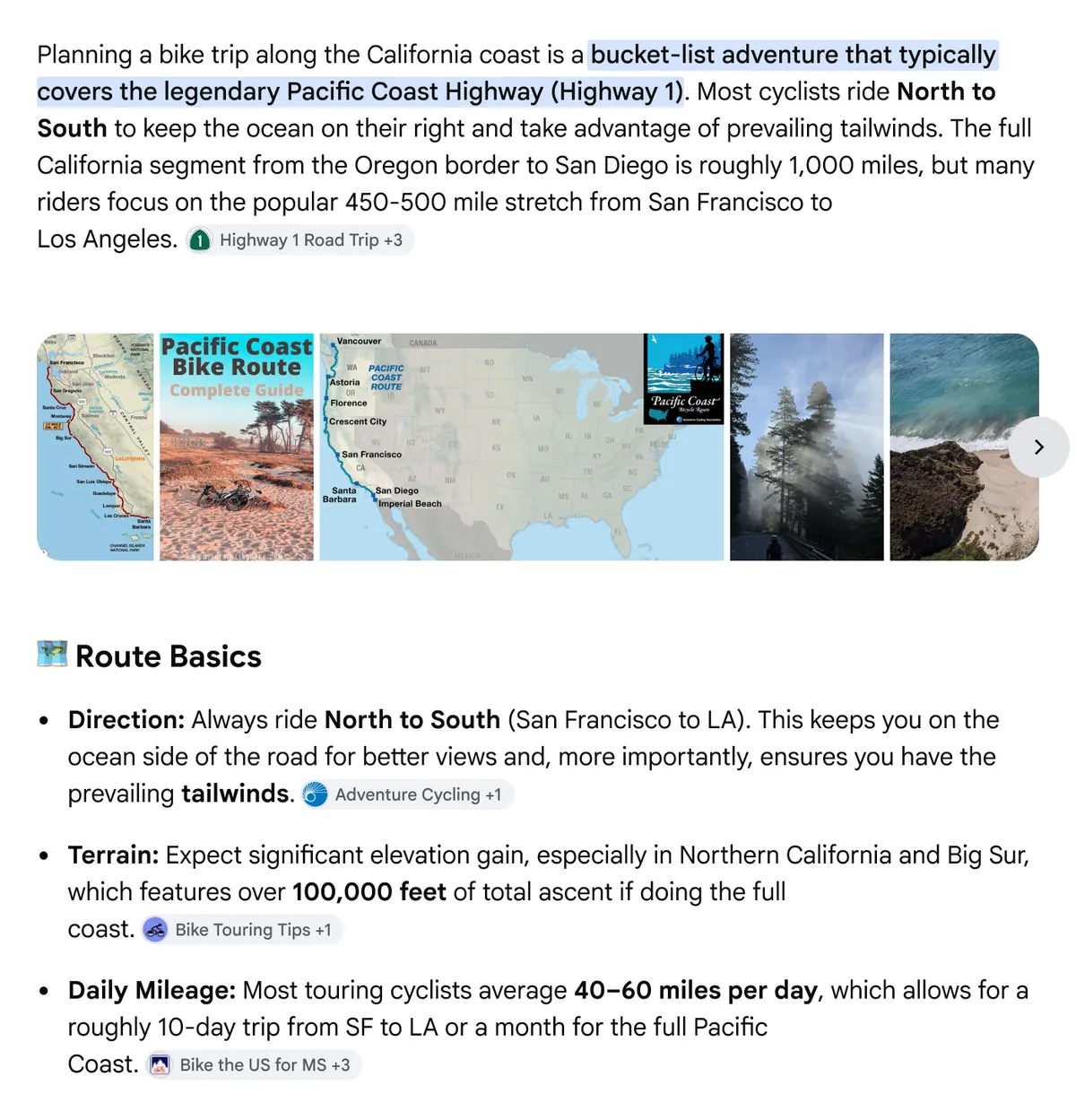
To help you dig deeper into useful websites as you’re reading, you’ll now also see more links directly within AI responses — right next to the relevant text. For example, if you search for information about a California bike trip, you might see a series of bullet points about the route. With this update, you may now see a link to a Pacific coast bike touring guide right next to the bullet point about terrain, or a link to a blog post with training suggestions next to the bullet point about daily mileage.
An AI response for a search about biking the California coast, with links next to relevant bullet points
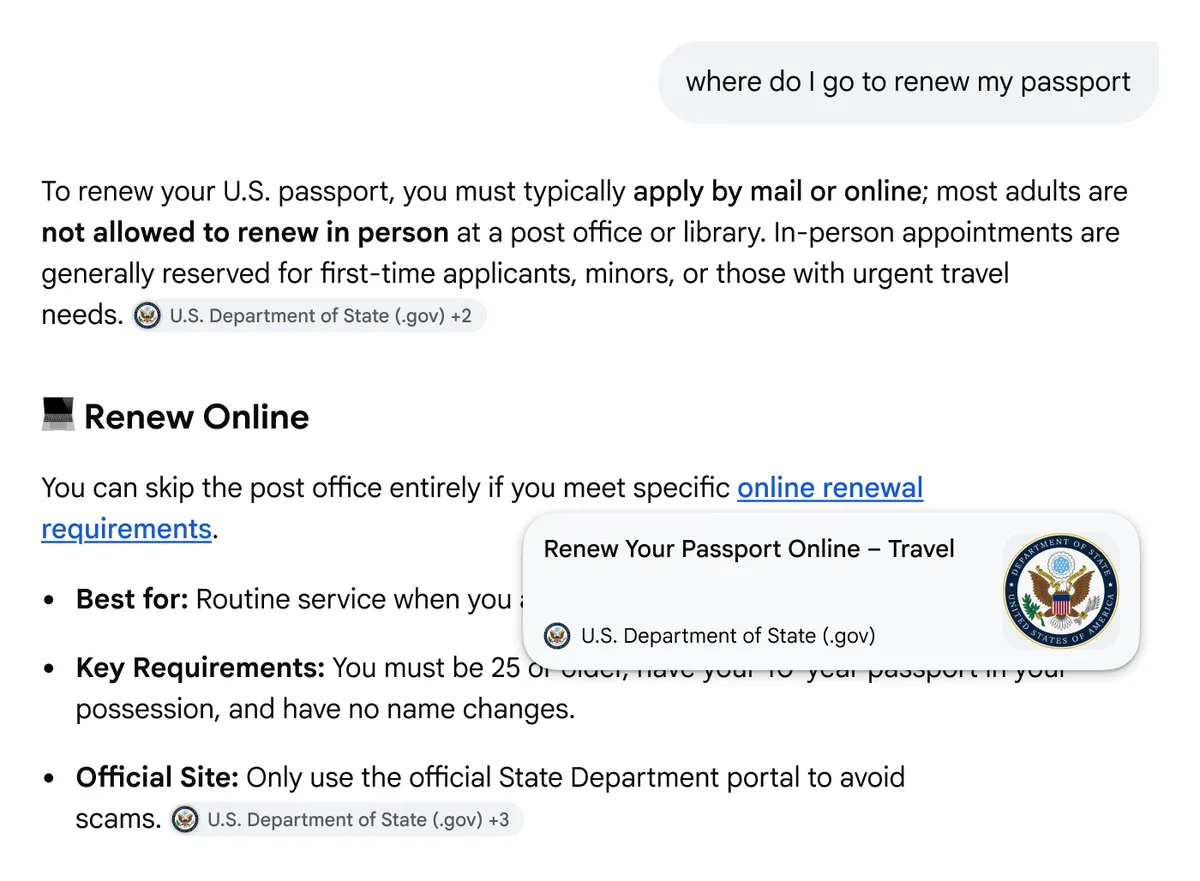
To give you the context you need to explore the web, we’re now giving you a quick preview of a website when you hover over an inline link in our AI experiences on desktop. You’ll see helpful information, like the name of the website or title of the web page, so you have a better idea of the site to help you click through. We’ve seen that people might hesitate to click a link if they’re not sure exactly where it leads — so this update will help people feel more confident about visiting helpful websites.
A preview of a website in an AI response about passport renewal
We’re continuing to enhance how we show and rank links in our generative AI Search experiences and using techniques like query fan-out, which helps us dive deeper into the web to find the most relevant sites for your search.
By improving the visibility and helpfulness of links and showcasing original voices, we're building AI in Search to help you discover the richness of the web, connecting you directly with the sources and creators you’re looking for. We'll keep testing, learning and improving these features based on what works best for you.