[[duration]] minutes
This content is generated by Google AI. Generative AI is experimental

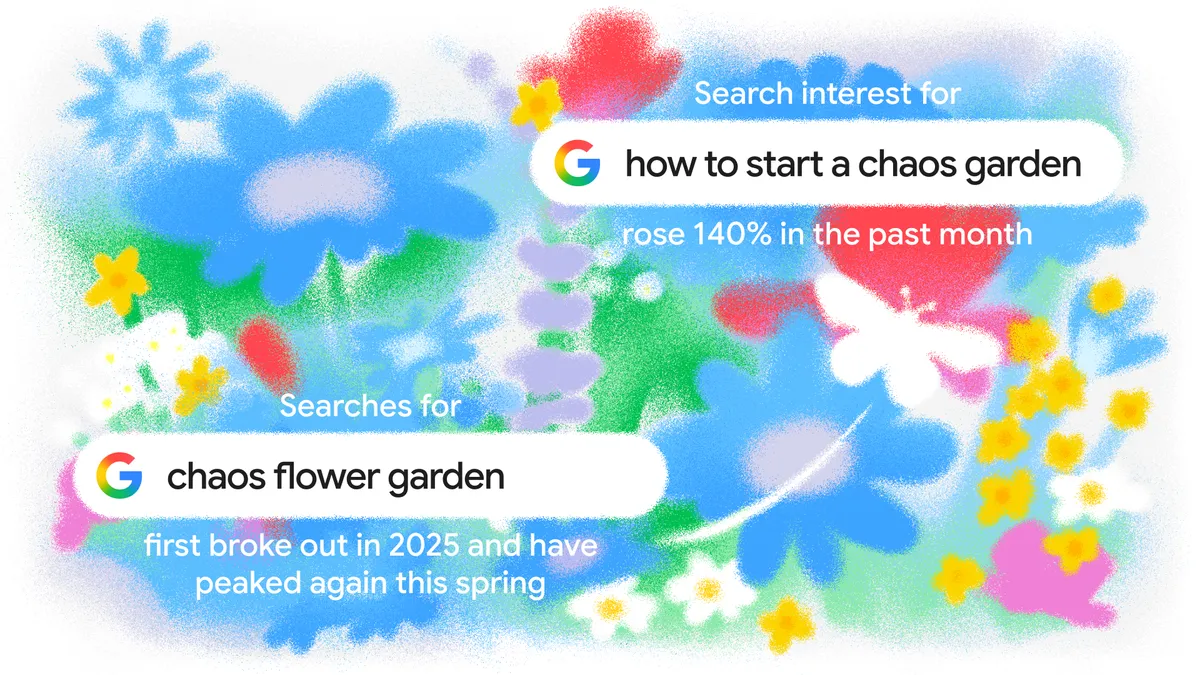
This year, gardening is taking on new life. Google Trends shows that people in the U.S. are ditching perfectly manicured plots for something with a little more whimsy. Searches for “chaos flower garden” — that is, a garden with a random scattering of flowers, herbs and vegetables — first broke out in 2025 and have peaked again this year. Search interest for “how to start a chaos garden” rose 140% this spring and interest in “chaos garden seeds” doubled.
People are also looking to maximize small spaces. Searches for “mini garden” hit an all-time high in 2026 and “tabletop garden” just hit a 15-year high.
No matter what kind of green space you’re growing, think of Google as your digital tool shed. Here are five ways Search can help you plant, plan and problem-solve.
Sometimes it can be tough to see the potential in a patch of dirt or empty corner. That’s where your camera can be your best planning tool. Simply take a picture of your space, upload it to AI Mode in Search and prompt it with something like, “This is my apartment patio. Help me find the best spot to put a mini greenhouse for herbs and show me what that looks like. Note: my patio is south-facing and gets a lot of afternoon sun.”
If you’re newer to gardening and don’t want to leave your garden’s success up to chance, you can use the Canvas tool in AI Mode to develop a full year’s plan to help your flowers stay beautiful all year long. Head to AI Mode, tap the plus menu and select Canvas. Then, ask it to help you out with something like, “Create a comprehensive Annual Garden Management Plan for a 20x20 foot rose garden. Include a month-by-month task list, a companion planting chart, and a crop rotation strategy for the next three seasons. Format this as a professional guide.” AI Mode will build your schedule in the Canvas side panel, then can customize it however you like.
Use AI Mode to get the perfect recipe for a lush, wildflower look without the rigid rows. Try asking for help with a prompt like, “I want to start a chaos garden. I have partial shade and limited space. What seed mix should I use and what’s the best strategy for success?”
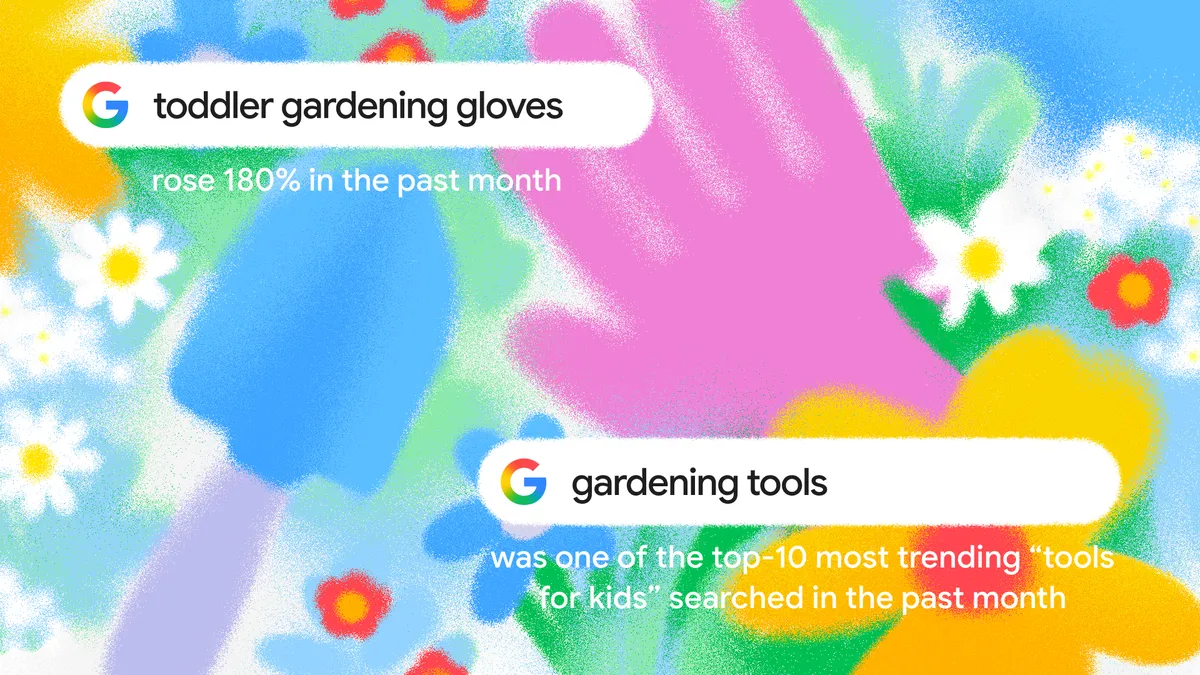
It can be easy to start your planting, only to realize you’re missing a necessary tool or item. Google can help you quickly find supplies nearby and shop from local nurseries. Type the item you’re looking to buy and use the “nearby” filter to see which shops have what you need on their shelves. You can also include “near me” in your search and let Google use AI to call around to ask about inventory for you.
Imagine sitting back to admire your hard work, only to notice a dull yellow spreading across the leaves of your otherwise healthy-looking tomato plants. Eliminate any guesswork by opening Lens in your Google app, snapping a photo of your tomatoes and asking "What’s going on with these leaves?” If you want to have a back-and-forth conversation and show Search what’s in front of you, just open Lens, then tap “Live” at the bottom of the screen to start using Search Live. From there, you can ask more questions like, “Should I try adjusting my watering schedule?” or ”Should I prune the infected leaves now or wait?"