New features coming to Android Enterprise
A modern, AI-driven workplace demands a new approach to mobility that goes beyond remote access. It now provides employees with new tools for productivity and collaboration, enabling smarter, more flexible work than ever before.
But threats are becoming more sophisticated with advancements in technology. Over half of organizations report smartphones as their most exposed endpoint, and data breaches frequently stem from inappropriate mobile access, accounting for 54% of incidents, or from insecure public Wi-Fi, responsible for 40% of compromises. Your business needs access to tailored employee experiences built with security in mind to stay competitive in an era defined by AI and ever-changing technology.
Android is continually evolving to meet new business needs. As organizations increasingly rely on mobile solutions, the demand for robust security, seamless collaboration, and efficient management have never been higher. Here are all the new ways Android Enterprise is helping supercharge your security, teams and more.
Resilient security and integrated defense
We’ve added new enterprise-grade security capabilities for mobile connectivity and employee protections.
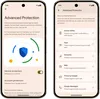
- Advanced Protection 1 : Defend against targeted attacks by providing employees with Google’s strongest mobile device protection. Employees can enable multiple device security features to protect teams from online attacks, harmful apps, unsafe websites, scam calls and more – with a single tap.
- Identity Check 2 : Help stop common scams like shoulder surfing & PIN theft. With Identity Check, employees can now require biometric authentication to access their device and sensitive resources when they’re outside trusted locations, helping to ensure corporate data remains secure.
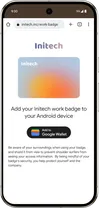
- Corporate badges in Google Wallet 3 : Enable employees to add their Corporate ID Badge to their Android phone to enable secure access to NFC-enabled workplace buildings with convenience.
- APN Overrides via AMAPI: Secure network access with Access Point Name (APN) overrides by programmatically defining and enforcing custom cellular network configurations on managed devices to control how devices utilize cellular data.

Modern experiences built for today’s teams
Android Enterprise's intuitive design provides teams with seamless experiences, tools to automate focus and adaptive large-screen enhancements for work on the go, without the hassle.
- Material 3 Expressive: A brand-new visual experience with a customizable look, smoother movements and better feedback across Android devices is beginning with Android 16 with more updates coming later this year.
- Gemini in Google Docs 4 : Use Gemini in the Google Docs app on your Android device to quickly summarize documents, surface key insights, and draft new content in over 20 languages, making on-the-go productivity more efficient. Learn more.
- Notification auto-grouping: Promote employee digital wellbeing with notification auto-grouping to help reduce information overload.
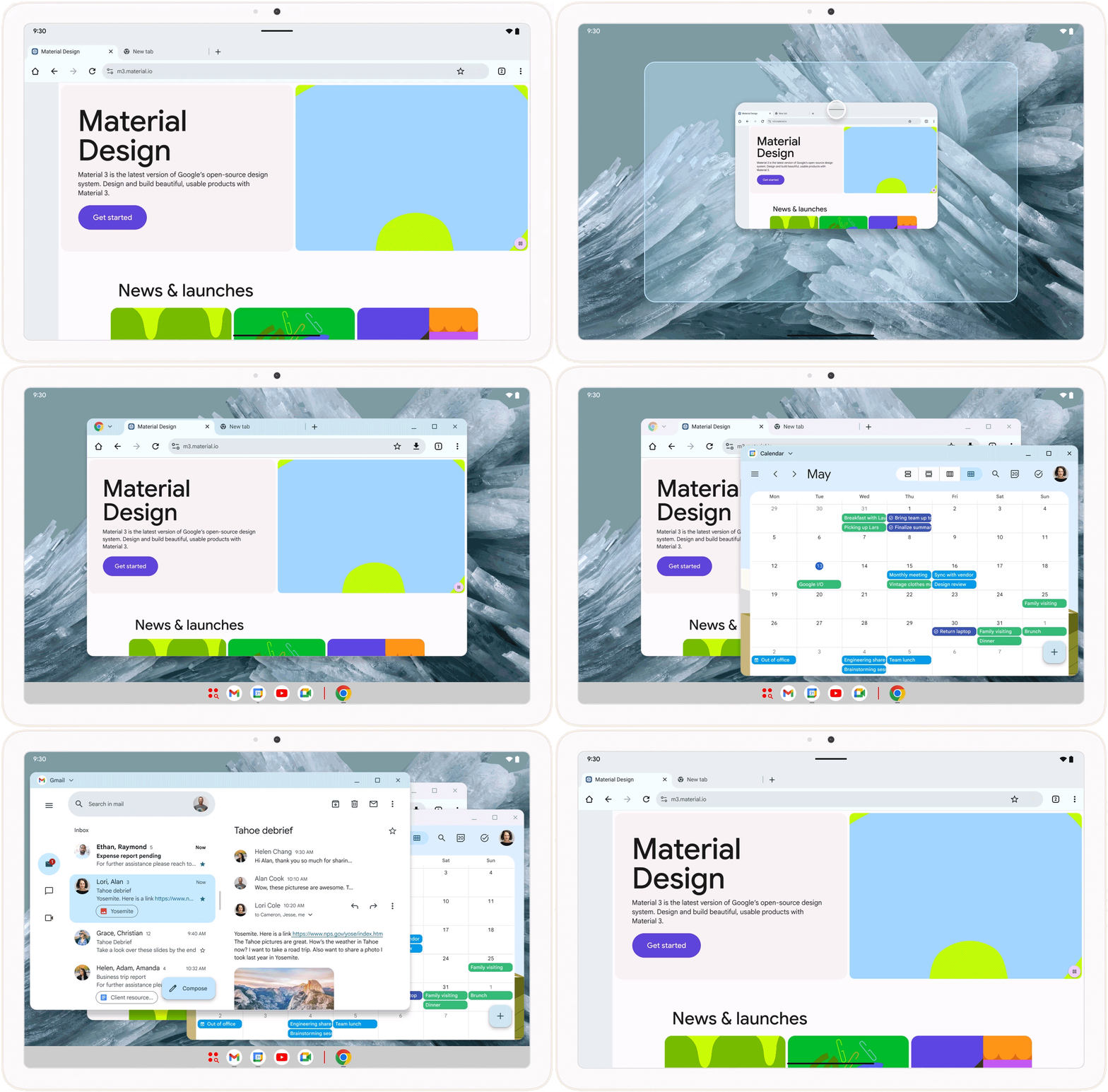
- Desktop windowing and taskbar overflow for tablets: Unlock a new experience for tablets. Desktop Windowing enables multiple resizable app windows for efficient multitasking on tablets. Taskbar Overflow helps teams sort through all open apps using an expandable panel – ensuring that critical apps are always just a tap away.
- Customized keyboard shortcuts: Help teams using tablets create their own shortcuts for faster access to the actions and tools they use most.
- PDFs in Chrome on Android: Experience a new way to access PDFs in Chrome on Android with direct, in-browser viewing of linked documents.
Simplified provisioning and governance
Use advanced controls for an improved device setup experience, app distribution and network configuration.
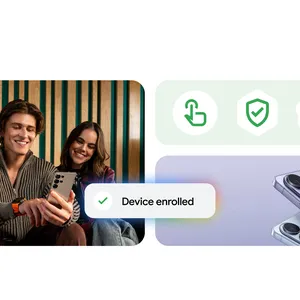
- Efficient device set up 5 : Accelerate Android provisioning for your teams with fewer screens and faster setup. Managed device provisioning now features a more efficient setup workflow and reduces account-related flakiness during initial device enrollment.
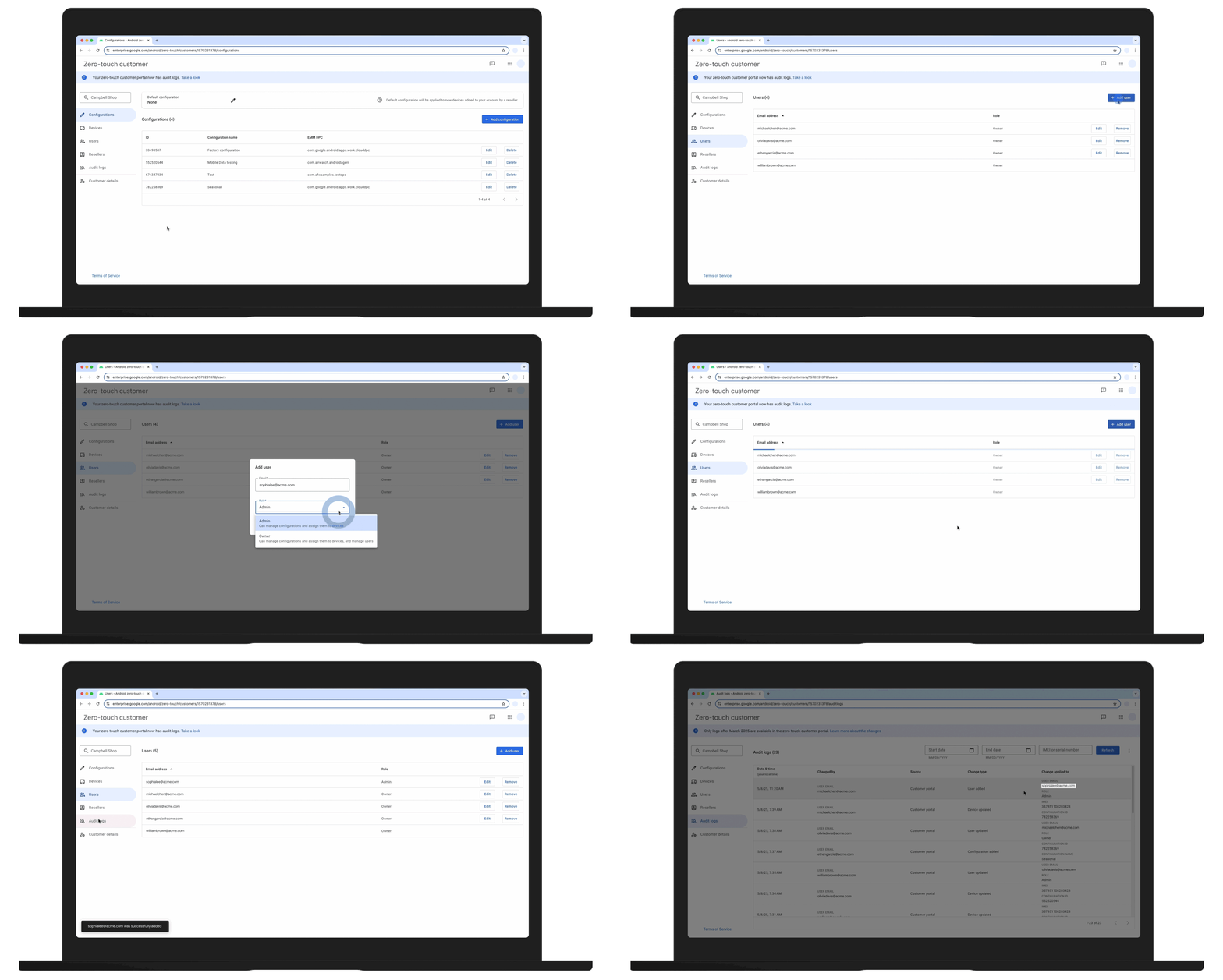
- Zero-touch Customer Portal improvements: Enhance oversight and control with detailed audit logs. Plus, new capabilities for administrators to assign users to predefined admin roles are now available.
- Device EID access for eSIM management 6 : Streamline provisioning by pulling EID values from your managed fleet, including BYOD devices, to enable seamless provisioning of eSIMS on enrolled devices.
- 5G slicing via AMAPI 7 : Solve network congestion by optimizing how business applications access resources through dedicated virtual slices within the 5G network.
- Support for Android App Bundle (AAB) files: AAB support for Managed Google Play streamlines the delivery of private applications to Google Play for a better app distribution process.
Now’s the time to step into a new era with the latest advancements from Android. With Android Enterprise, your business can do more with enterprise-grade security, streamlined provisioning and governance, while empowering the workforce with powerful new experiences. Stay in touch to get the latest Android Enterprise updates.