4 creative ways I’m using Pixel Studio

As a visual learner, I’m a big fan of Pixel Studio’s text-to-image AI generator. Suddenly, all of the things I can imagine are right there in front of my eyes instead of stuck in my head. Pixel Studio is incredibly easy to use and since I can connect it to Google Photos, everything is immediately shareable. I’ve been experimenting with the app since it launched last year — here are four of my favorite ways to use Pixel Studio:

1. Redecorating my home
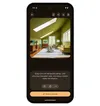
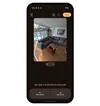
Sometimes scrolling social media and flipping through magazines isn’t enough when I need interior design inspiration. With Pixel Studio, I can type in everything from specific decor styles to the layout of a room to color preferences and generate mock-ups of what a space could look like. And if I want to see how furniture I already own would fit in, I can take photos of those items, turn them into stickers (more on that in a bit) and add them to the image I generated with Pixel Studio. For less dramatic design needs, like when I want to see if a room could benefit from a simple rearrange, I can just upload a photo of it to Pixel Studio, select certain items in the image and hold to drag and move them around. Maybe I do need a bigger couch…

2. Turning anything and everything into a sticker
Yes, Pixel Studio is a very fun tool for visualizing whatever I can imagine with just a few words. But I also like to upload my own images and select parts of them to turn into stickers. My stickers will then show in my Gboard so I can use them wherever I want — emails, texts, other photos, docs and more. I’m not limited to my own photos, either — I can turn Pixel Studio creations into stickers, too.



3. Creating invites and thank you cards for any situation
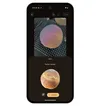
I no longer need to search the greeting card aisle of the grocery store. Whether I need to send someone a thank you for driving me to the airport or I want to send out invites for my annual cookie competition, Pixel Studio will come up with a creative image for my (hyper-unique) needs. Plus, Pixel Studio can now generate images including people 1 : Type a description of a person or a scene including a person and watch Pixel Studio bring it to life. You can even ask Pixel Studio to create these images of people in various styles, including sketch, anime, watercolor and more.


4. Dream journaling
Maybe this is a fringe case, but if you — like me — have highly visual dreams, you should also try taking them to Pixel Studio. If I have a particularly interesting-looking dream that sticks in my mind, I go straight to Pixel Studio and use the voice-to-text input option and describe what the setting looked like. It’s incredibly fun to see how Pixel Studio interprets these prompts, and the result is that I end up with a very beautiful dream journal I can look back on. And I can choose different visual styles, like watercolor or claymation.
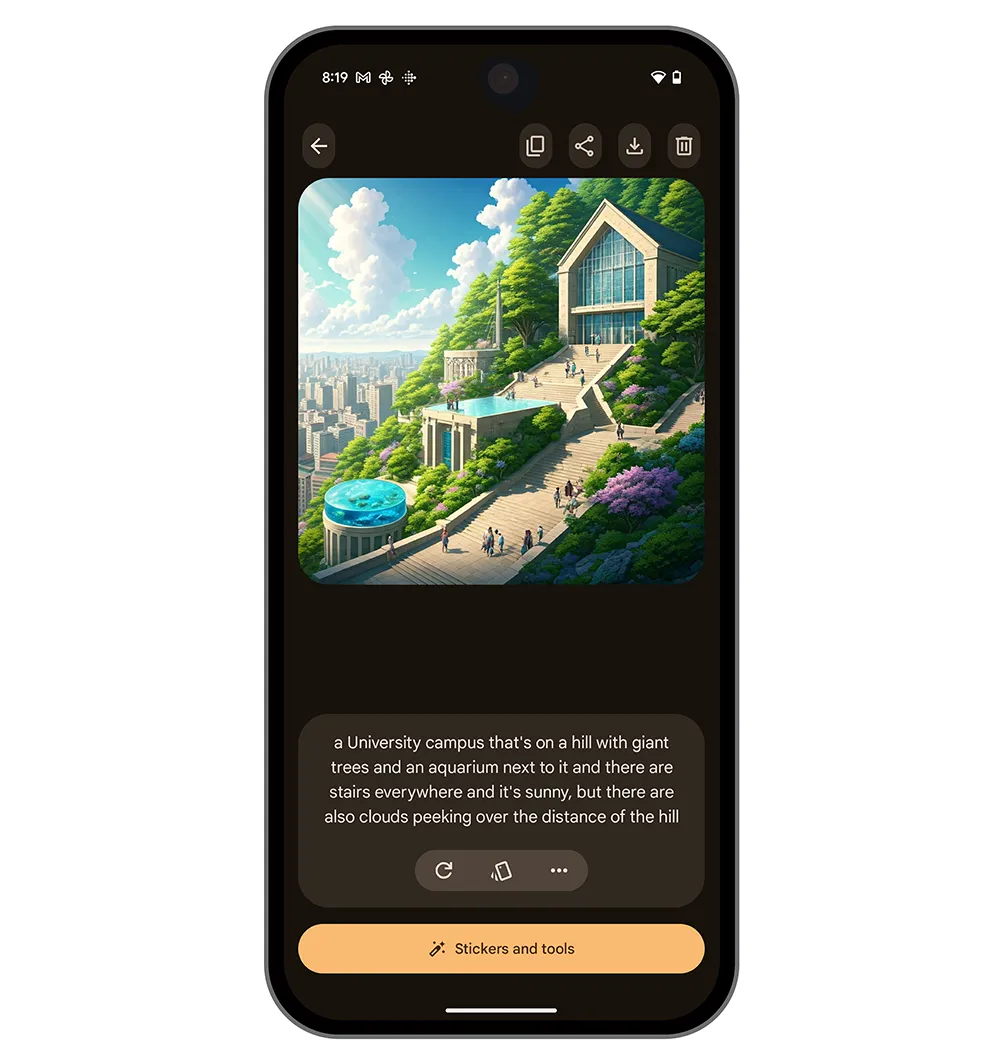
Next time you want to tell someone about your dream, maybe just use Pixel Studio to show them what it looked like instead.