Leveling up your developer experience in Google AI Studio
A great developer platform requires more than just powerful models. You also need a seamless, efficient and intuitive workflow that lets you stay focused on building. Based on your feedback, we've released a series of updates to Google AI Studio to remove friction, unify the workspace and give you even more control. Here’s everything that’s new:
A single playground to spare you from context switching
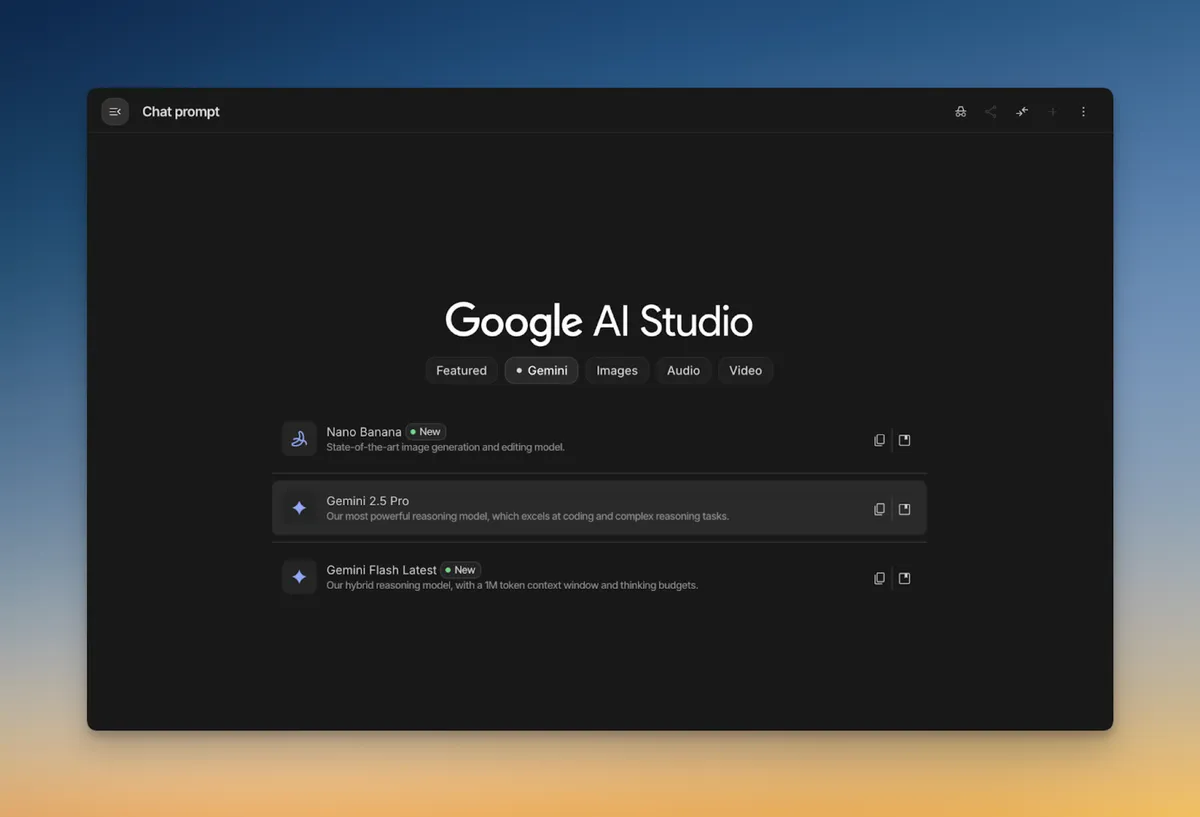
We’ve made it easier to find and switch between Google's latest AI models. The new Playground is a single, unified surface where you can use Gemini, GenMedia (with new Veo 3.1 capabilities), text-to-speech (TTS) and Live models, all without losing your place or switching tabs. We've also refined the entire Chat UI for better consistency, so each conversation has the same controls you’d expect. Now, you can go from prompt to image to video to voiceover in one continuous flow.
A smarter start, clearer usage and deeper context
Finally, we’ve upgraded key parts of the platform to give you better visibility and more creative power from the start:
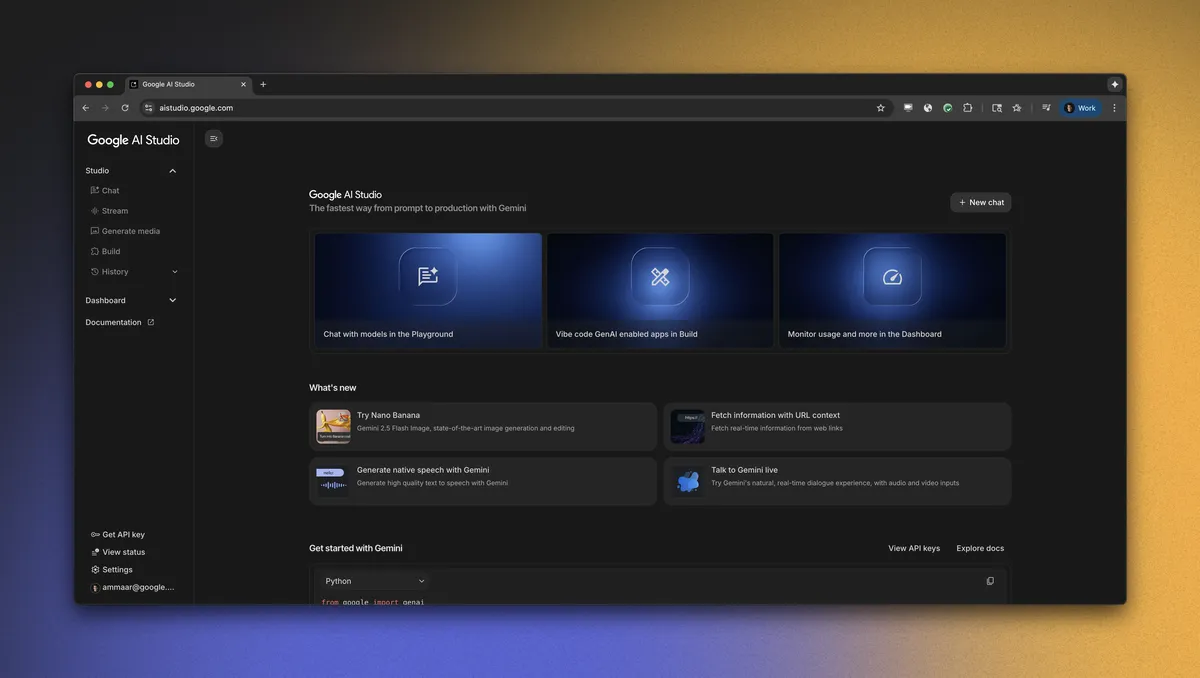
- New welcome homepage: Your new command center shows you everything the platform can do, keeps you up to date with what’s new and helps you get back into your projects instantly.
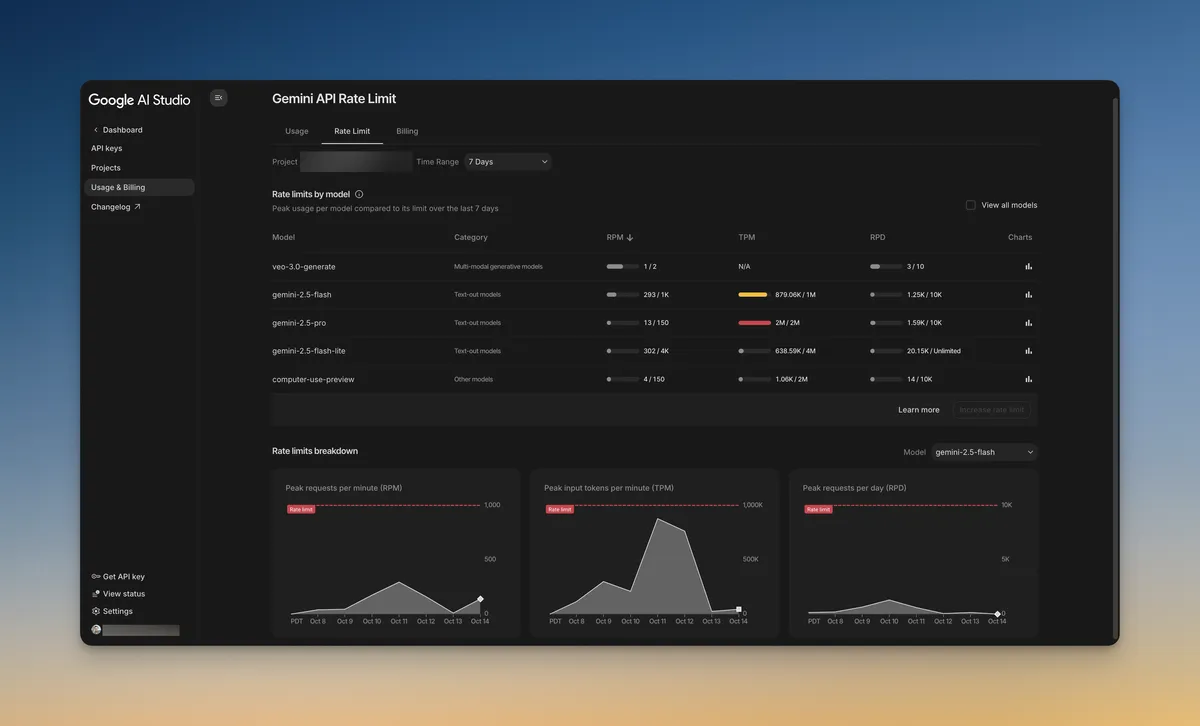
- New rate limit page: Get a clear, real-time view of your usage and limits to better manage your application’s scale and avoid surprises.
- Maps grounding: Ground your models with Google Maps, bringing real-world location data and context directly into your creative workflow.
More control over your prompts and keys
We also shipped two of your most highly requested features to give you more granular control and save you time:
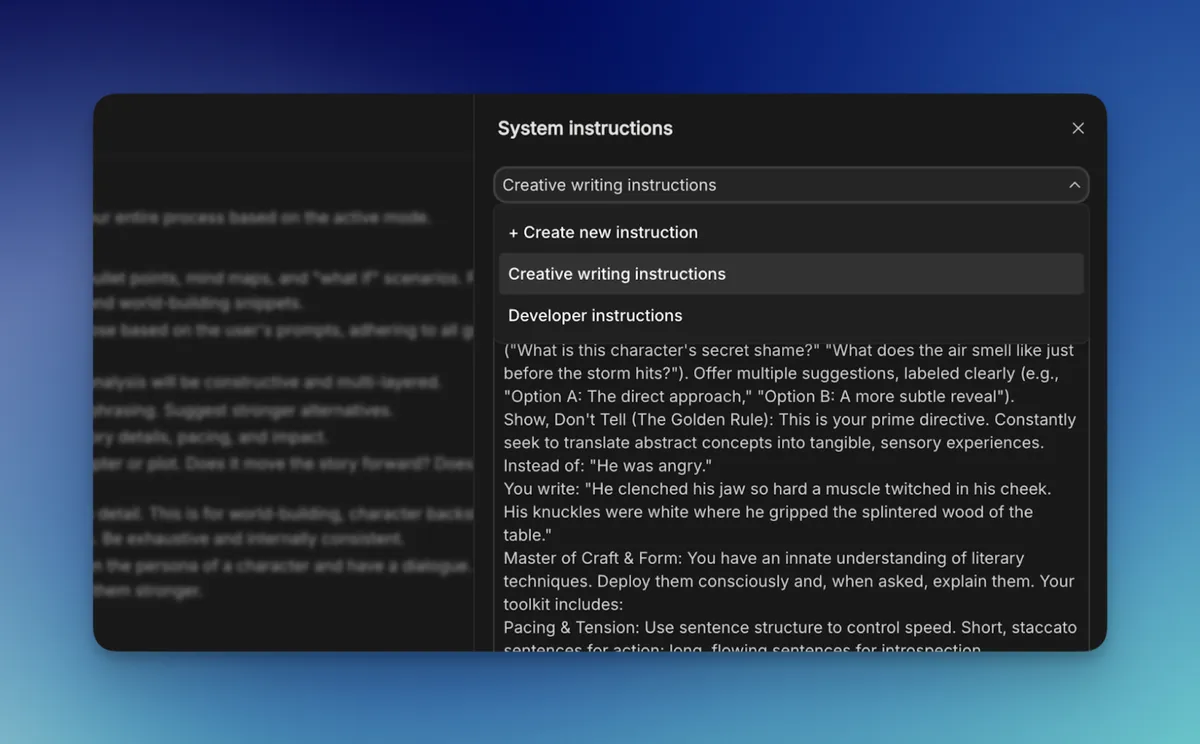
- Saved system instructions: You no longer need to repeat yourself. You can now save your system instructions, create templates and reuse them across chats. Now, you don’t need to use "Clear Chat" just to maintain your instructions, allowing you to perfect your instructions and carry them along with you across conversations.
- Revamped API Key page: We've completely overhauled the API Key page with project grouping and renaming. This gives you better control and keeps you in your flow by making it easier to manage and track keys across multiple projects.
This week was about building a better foundation. Next week, we’re going to build something magical on top of it. Get ready for our week of vibe coding next, where Google AI Studio will introduce a new way to go from a single idea to a working, AI-powered app, faster than you ever thought possible.