A new Google Home app, redesigned for Gemini
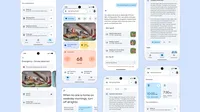
An assistant as powerful as Gemini for Home needs an app built to match. Based on your feedback, the Google Home app was rebuilt with three primary goals: Make it faster, more reliable and complete.
A faster, more reliable foundation
We heard from you that in order to deliver exciting new AI features, the app first needs to be fast and reliable — and this was our top priority. The new app now loads significantly faster — on some Android devices, over 70% faster. You’ll find less bugginess and app crashes are down by nearly 80% from just a few months ago. Plus, the app now has improved battery consumption and memory usage.
For users with cameras, live views now load 30% faster with a 40% decrease in playback failures. Camera tile previews now load instantly, and scrolling through your camera's history is far smoother, with a more than 6x higher frame rate.
Over the year, the Google Home app received more than 100 feature and performance improvements; the entire experience is more resilient and responsive. And this will remain a focus, so you’ll see it continue to get better and better in the months to come.
Your favorite Nest devices and features, now in the Home app
You’ll find the best of the Nest app in the new unified Google Home app — no more app switching required. Support for your core Nest devices and features — including all Nest Thermostat models since 2015, smoke and CO emergency alerts for Nest Protect and passcode management for the Nest x Yale Lock — are all there.
Controlling previous generations of Nest cams and doorbells in the Home app is now smoother and faster. Higher frame rates make scanning through events feel more fluid, and adjustments to video encoding and processing help even older Nest cams load faster and more reliably.
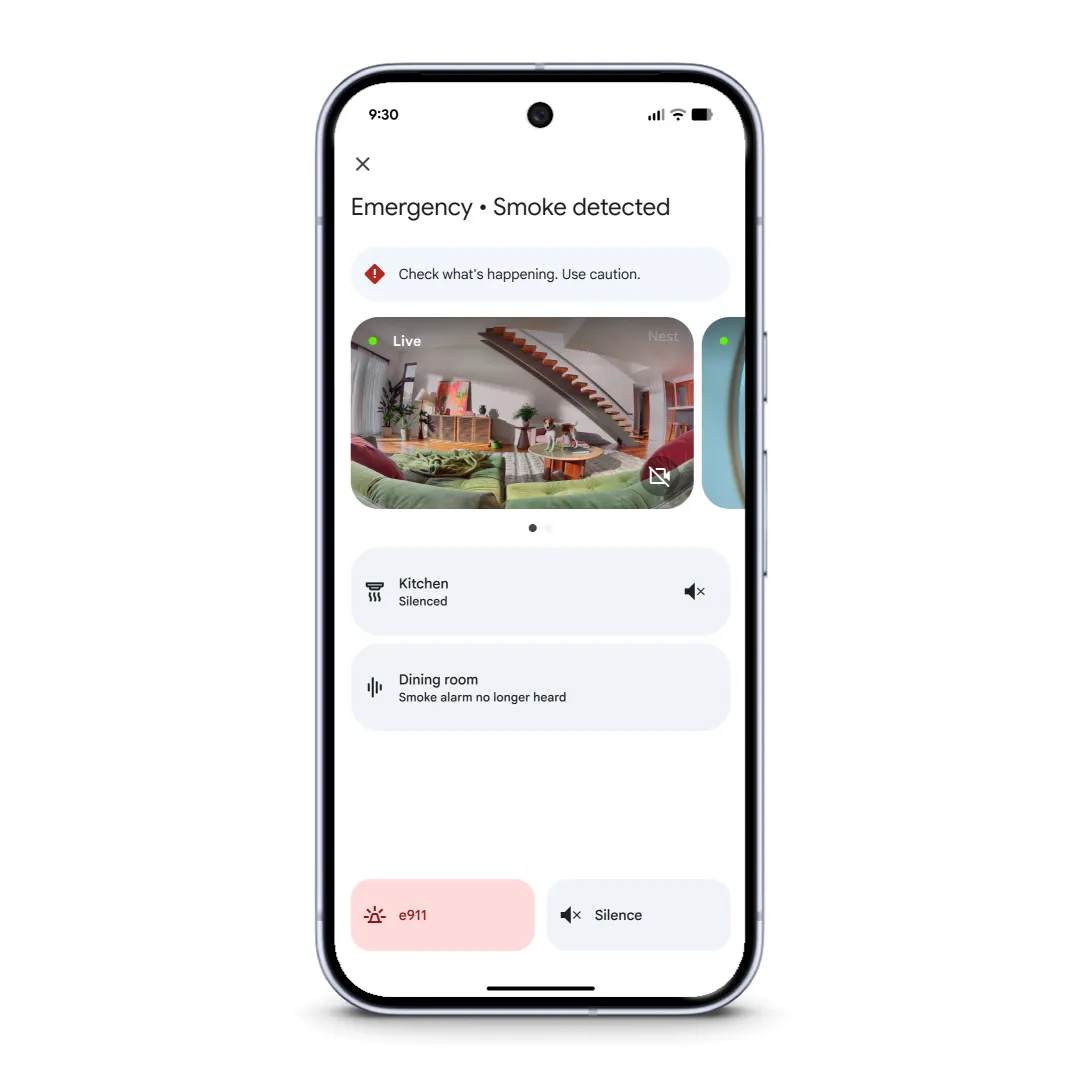
We’ve added full support for Nest Protect devices and features to Google Home App.
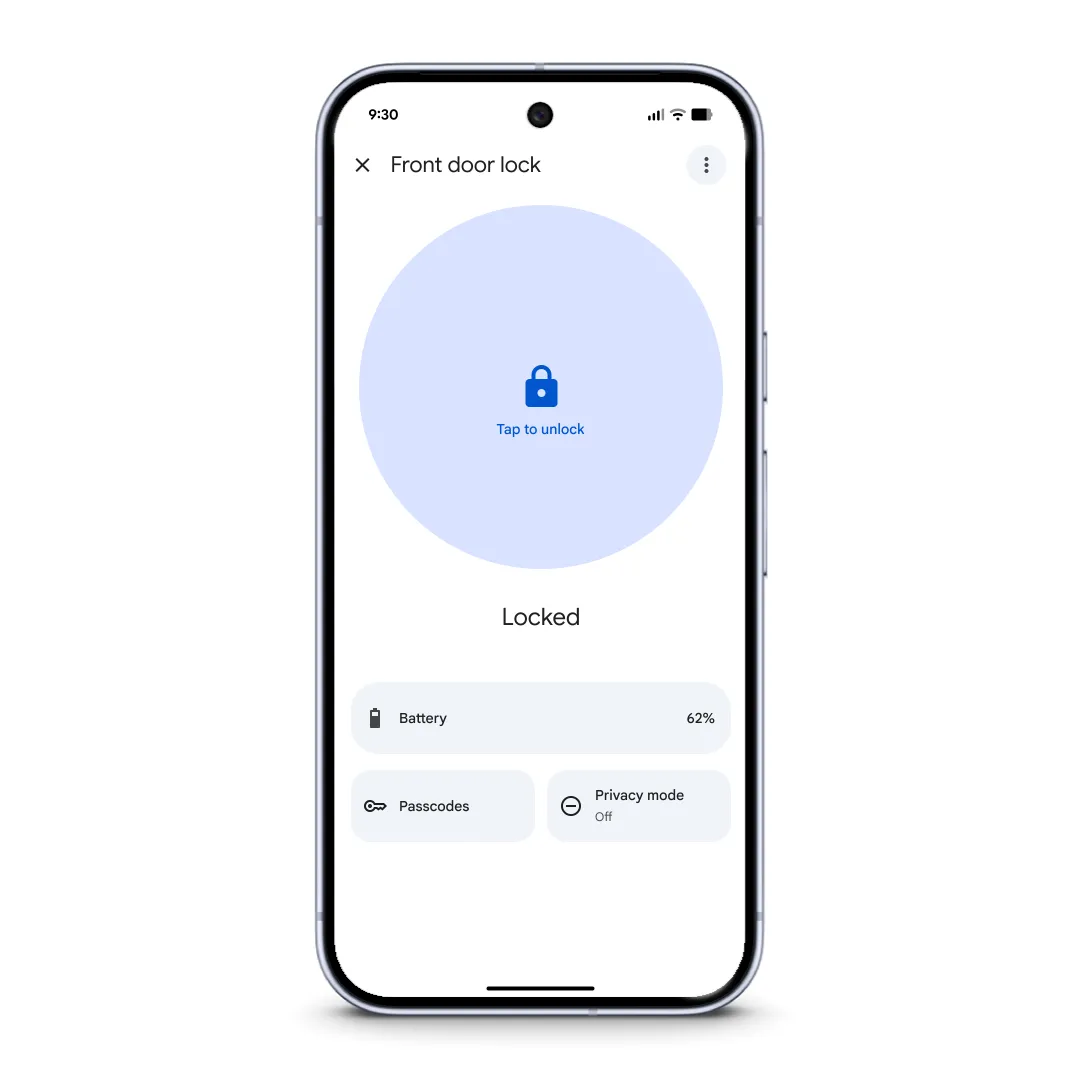
We’ve added full support for the Nest x Yale lock and lock passcode management.
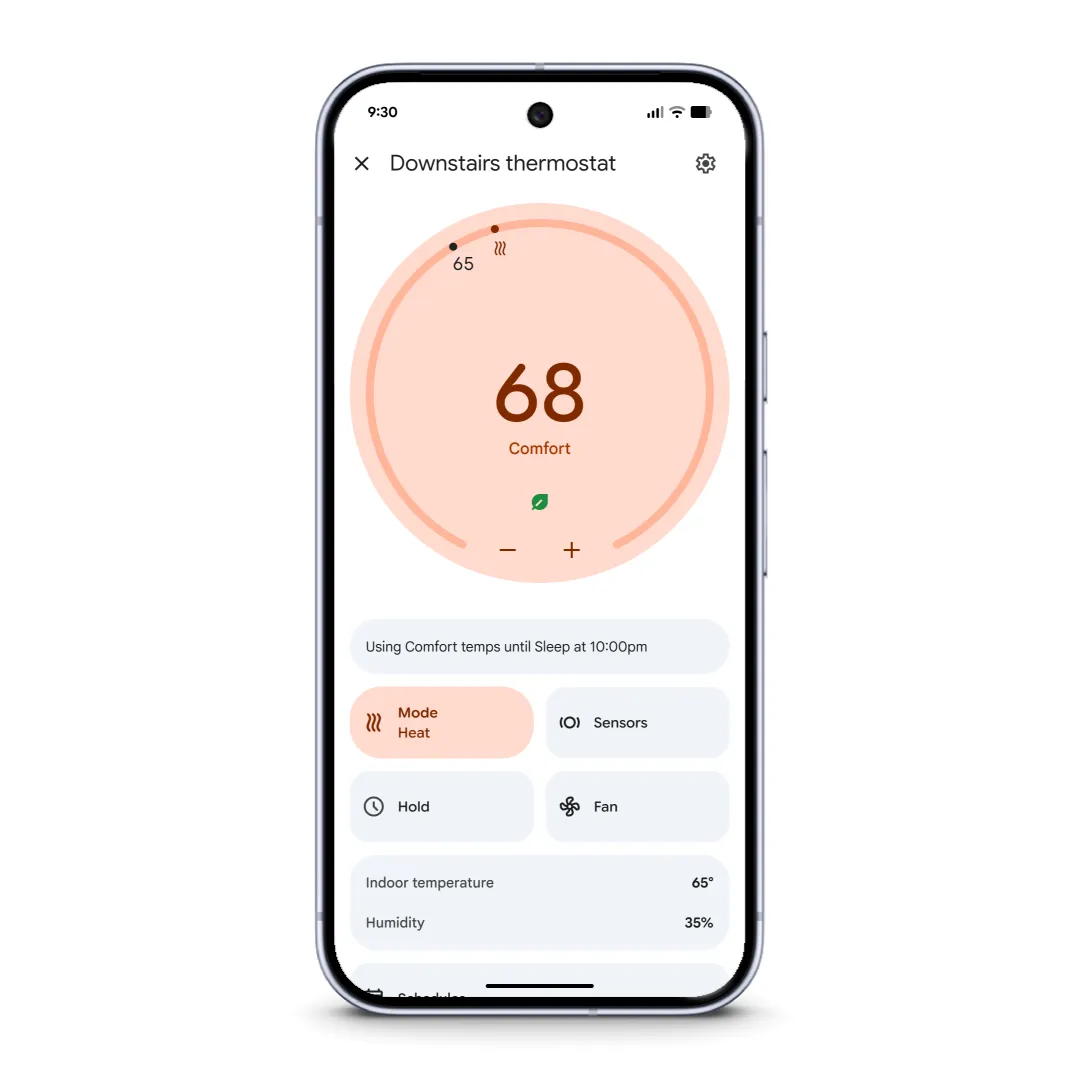
We’ve added full support for Nest Thermostats (2015 or later) and features like schedules and hot water boost.
A redesign that puts Gemini at your fingertips
The app's design is more intuitive and built to put the power of Gemini for Home right at your fingertips. You’ll find a simplified three-tab layout that makes it easy to get to the key areas of your home.
- The Home Tab: This is your consolidated overview and access point for your whole home. We've also introduced new gestures that make it much more fluid to use with a single hand, letting you easily swipe between your Favorites, all devices and dedicated dashboards without having to switch tabs.
- The Activity Tab: This is now the single history for everything that happens in your home, with events from all your connected first-party and third-party devices. This is where you’ll find Home Brief to get a quick summary of your day.
- The Automations Tab: This tab now features a new carousel at the top that shows you upcoming automations about to run in your home. For those who want to go deeper, we’ve completely rebuilt the editor as a fast, native experience on both iOS and Android. This unlocks powerful capabilities like creating one-time automations or using new conditional starters so a routine only runs if someone is home.
The consolidated Home tab now lets you swipe through your pinned Favorites, devices by type, and more.
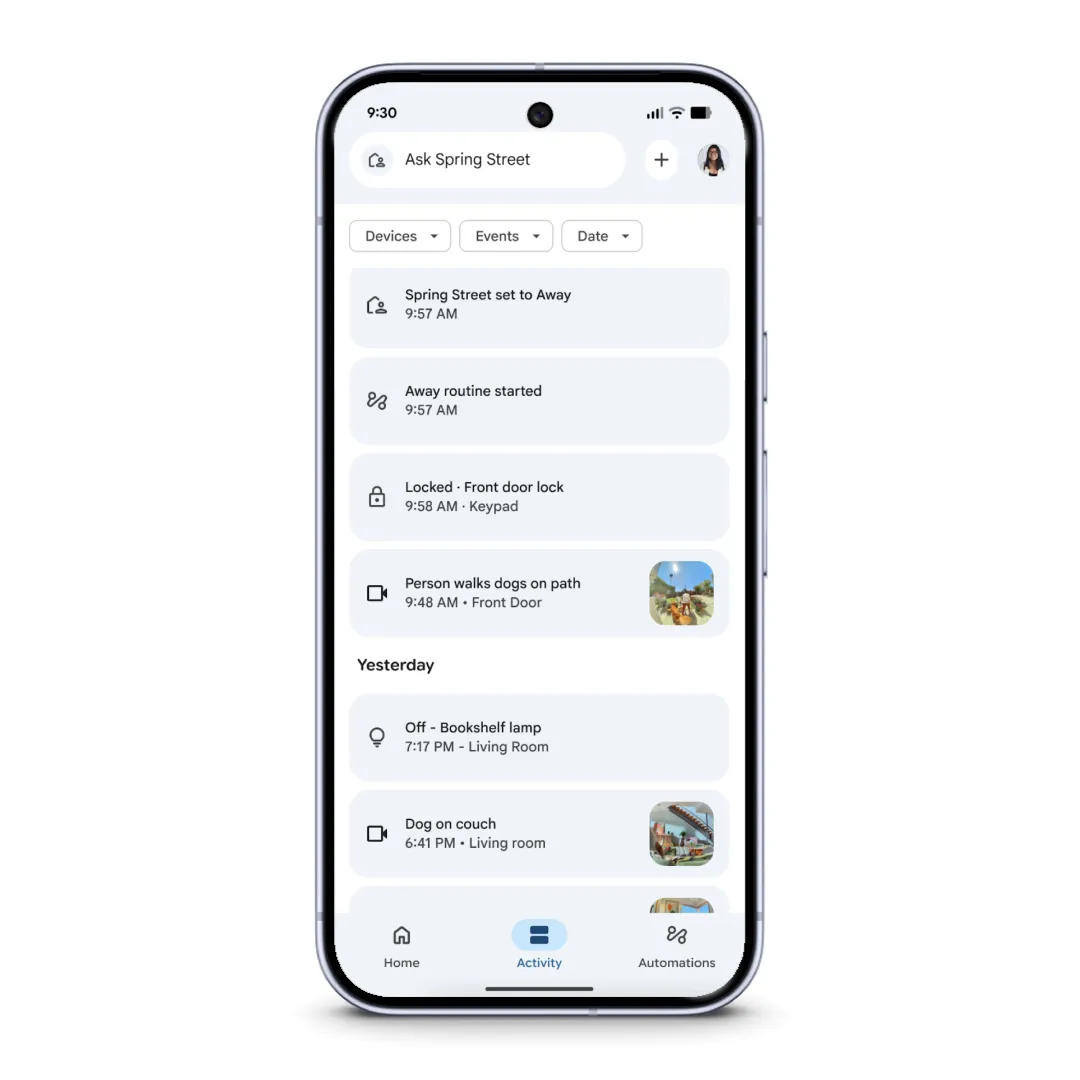
The Activity Tab. Your home's complete history, all in one place.
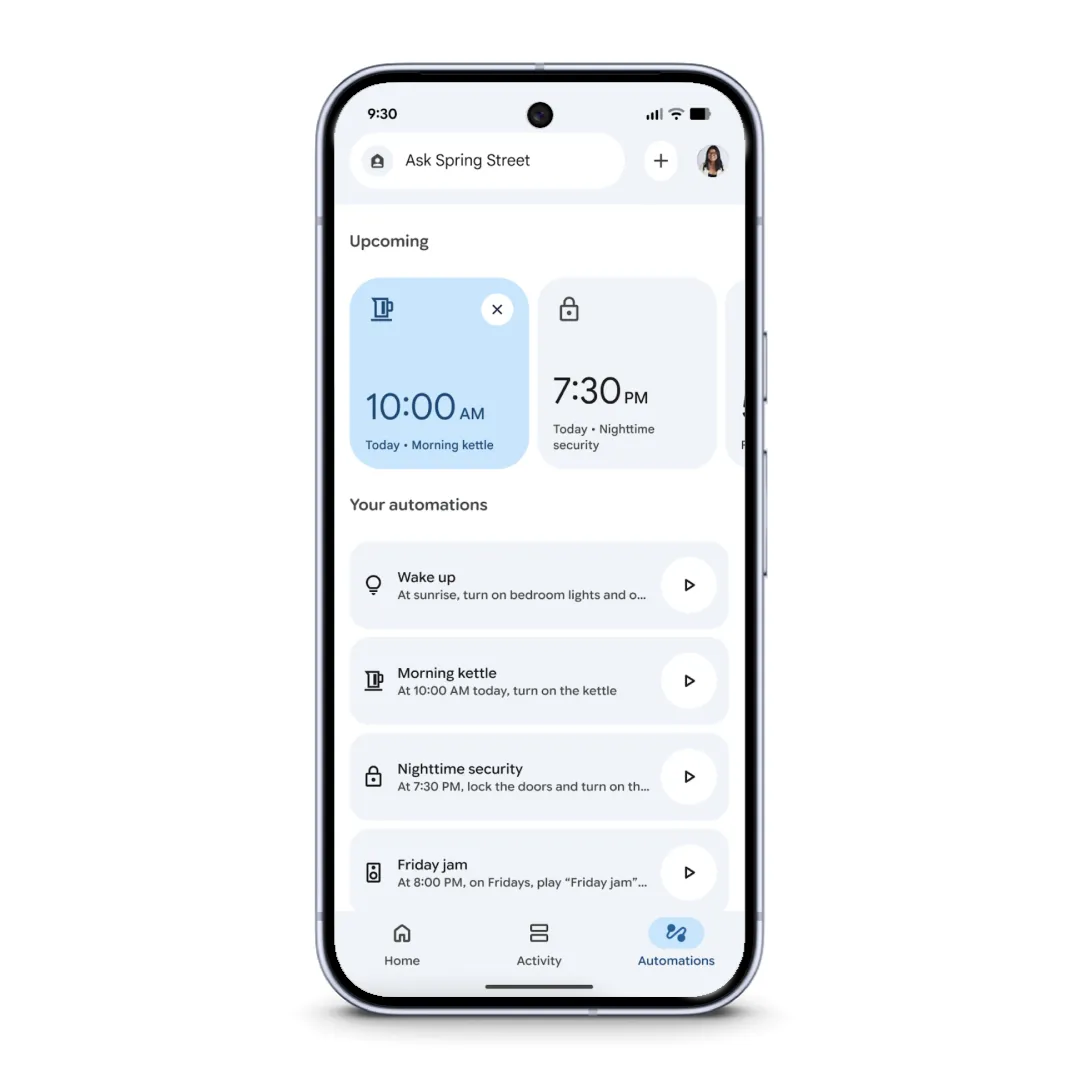
The Automations tab now shows upcoming automations. Easily create new ones with the improved visual automation builder.
You’re also getting an upgraded camera experience. Event notifications on both Android and iOS now expand to show rich, animated, zoomed-in previews, so you can see what’s happening from your lock screen. Inside the app, new gestures make viewing your history incredibly fluid: You can swipe between your timeline and event lists, or even double-tap to fast-forward or rewind, just like in YouTube. This new interface is the best way to experience the deeper understanding your camera now has thanks to Gemini. Instead of a generic “person detected” alert, your camera can now tell you it saw “Robin walking with flowers,” giving you more helpful context at a glance. 1
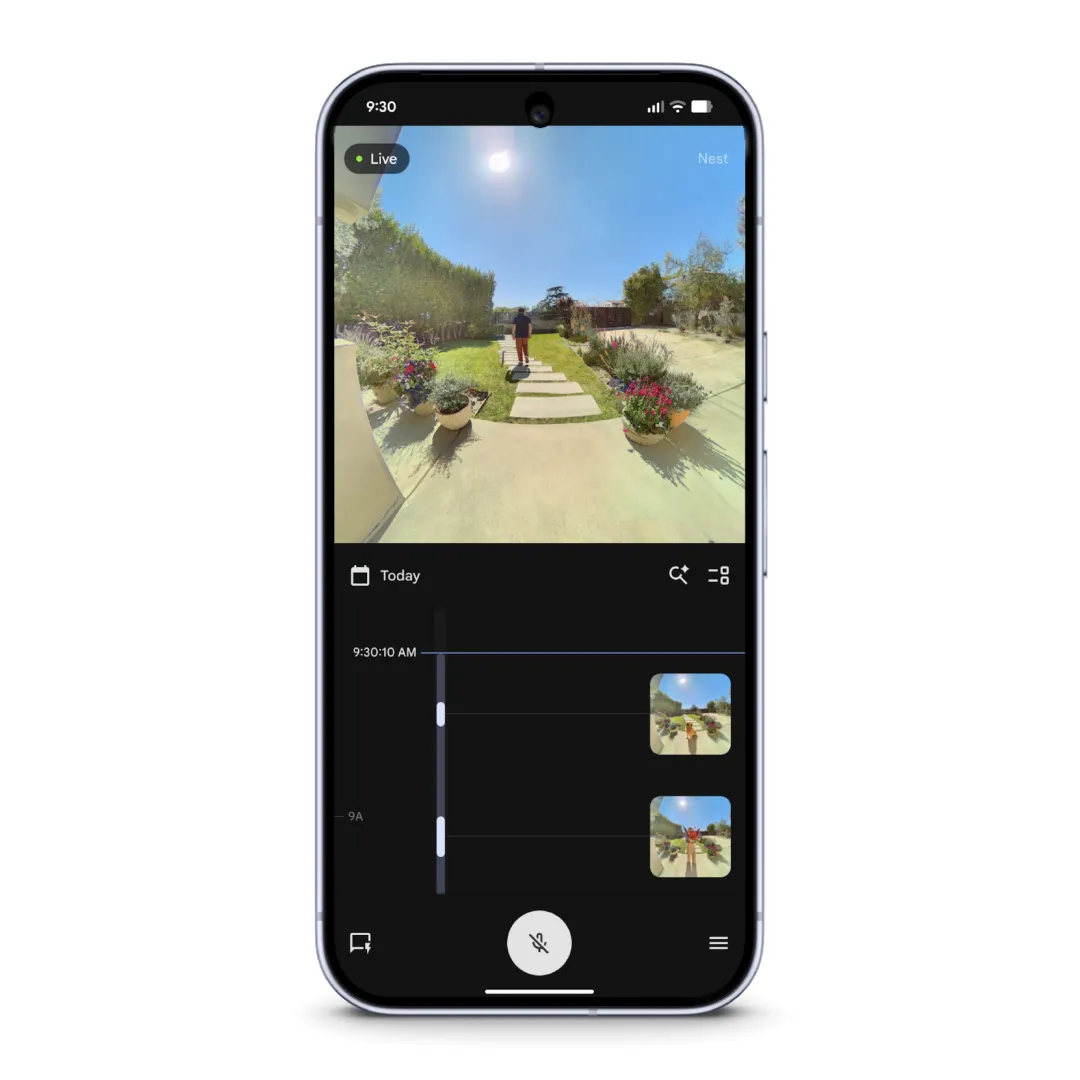
Switch between event list and timeline views, collapse/expand the player, and more.
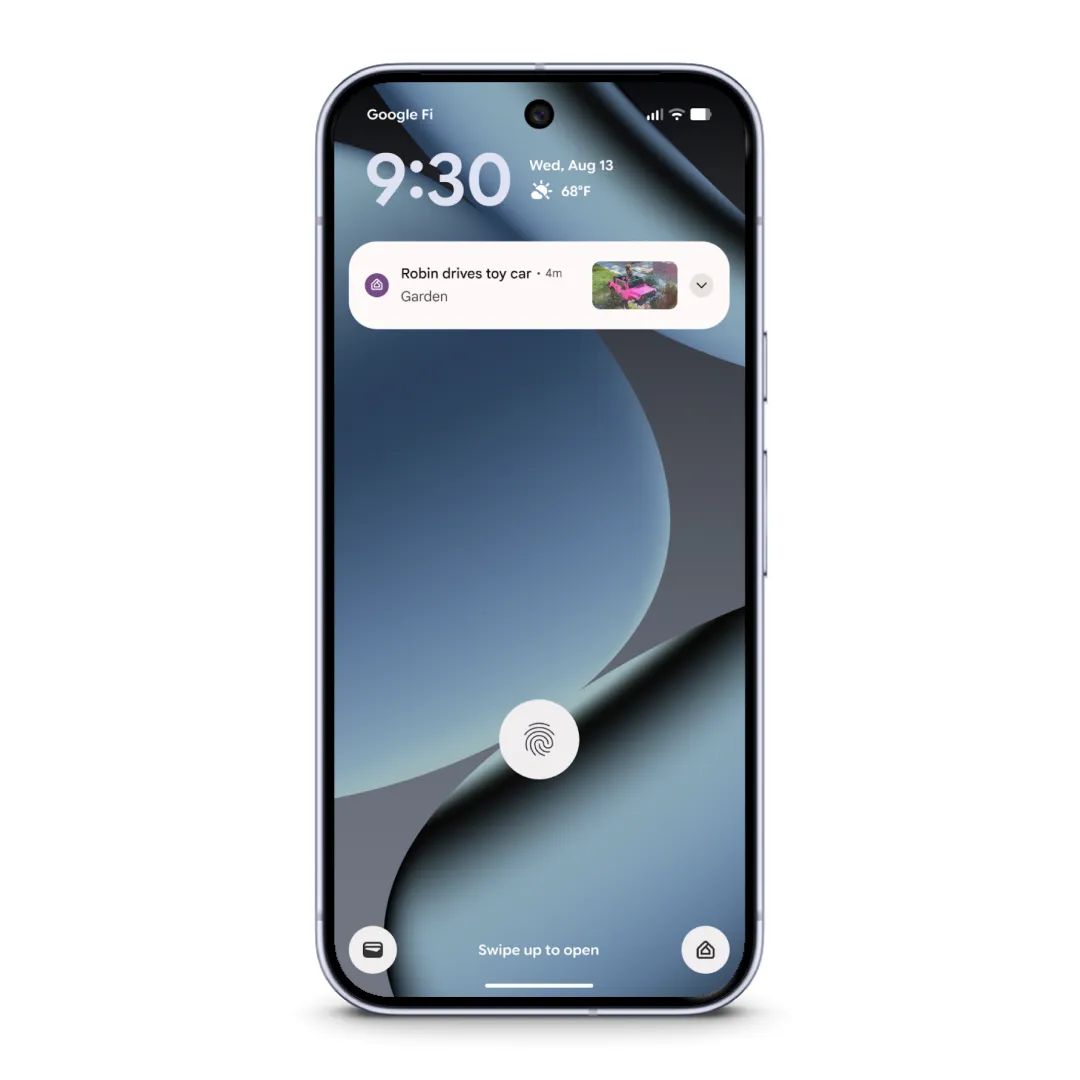
Understand alerts more quickly with smarter notifications.
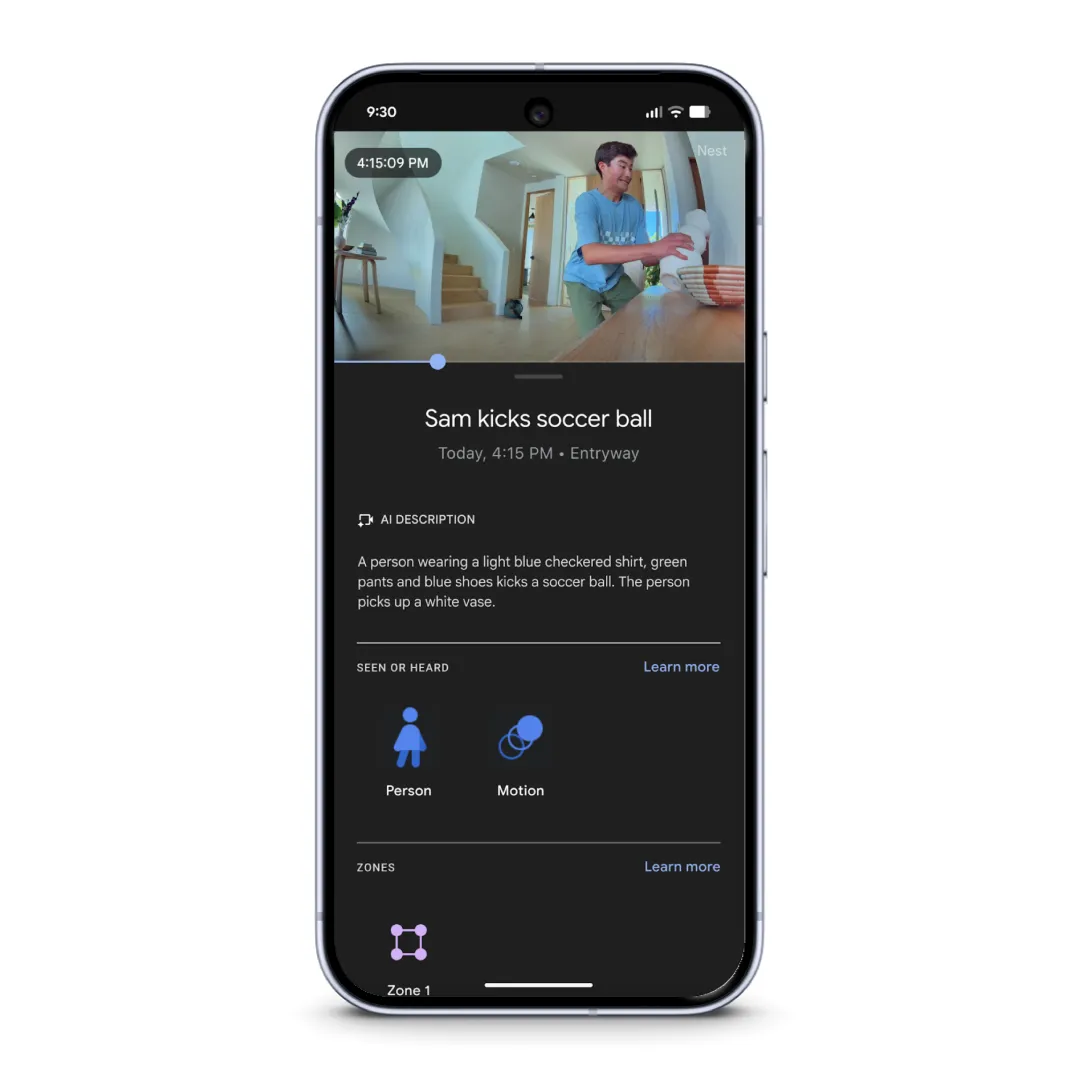
Your camera understands what it sees with Gemini, and can provide rich detail accordingly.*
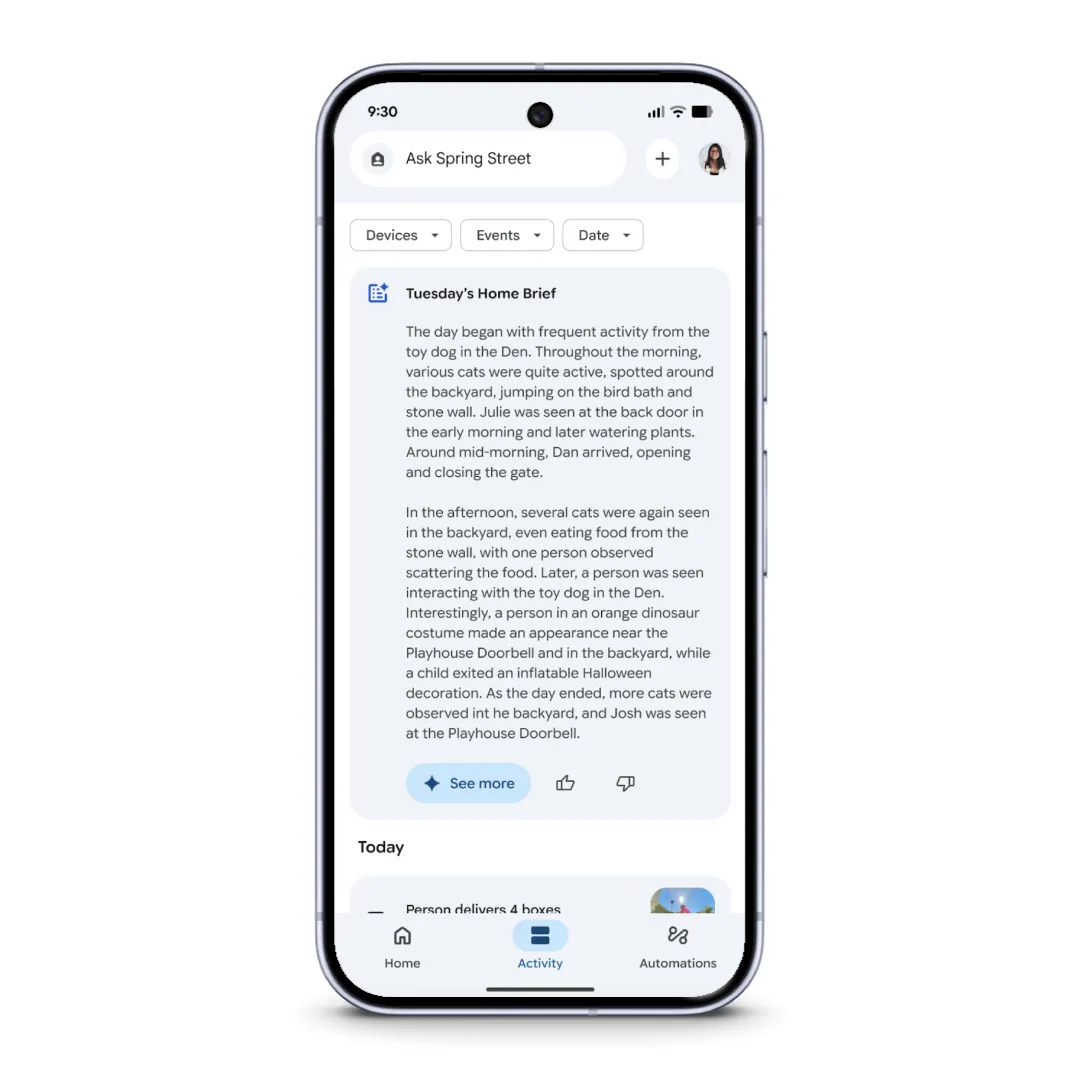
Get a daily summary of what happened at home with Daily Brief.*
Tying this all together is Ask Home, which is now persistently accessible from the new header navigation as you move throughout the app. Start typing in “lights” or “living room,” and related devices and automations will appear for faster access. But it can do so much more: You can use it to find a specific camera clip by asking a question 1 , control many devices at once by saying things like “turn off all the lights and close the blinds in the family room” or create a complex automation just by describing it. 1
The rebuilt Google Home app is fast, reliable and complete — and powered by Gemini. You can expect to see these updates start rolling out globally today.