6 new Google Flow Tools built by industry creatives

We understand that everyone’s needs and workflows are different, so with Google Flow Tools, you can build custom workflows simply by describing what you need. We've seen a variety of creative fields bring their work into Google Flow, from filmmaking to architecture, sound design, and digital content creation. We’ve been working with leaders from across these industries to understand what tools are most helpful in their workflows, and today we’re releasing six new tools:
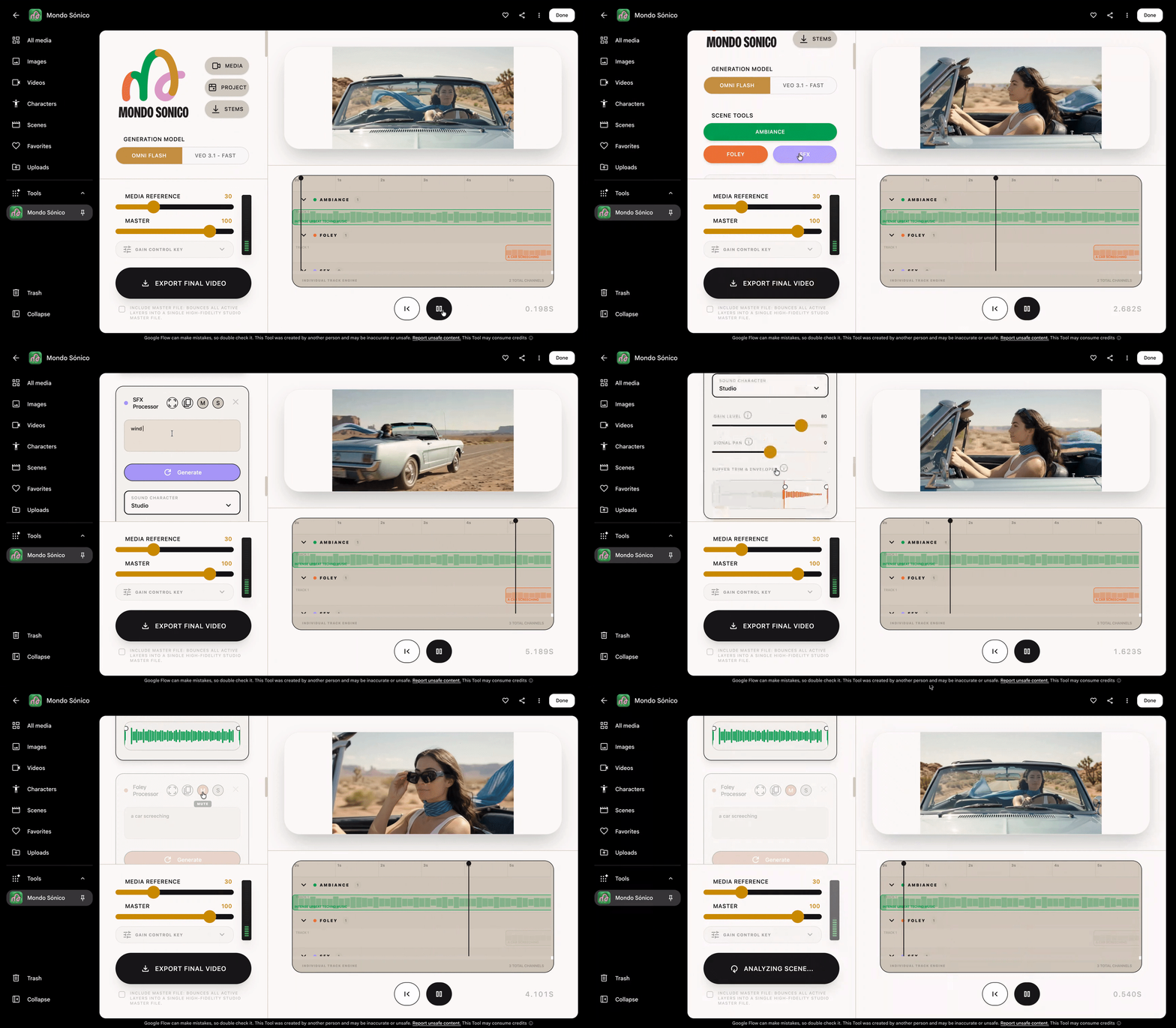
1. Mondo Sónico, by creative director Ricardo Villavicencio and sound designer Sebastián Carvallo.
After collaborating for years, Ricardo Villavicencio and Sebastián Carvallo wanted more dynamic audio for their projects. Mondo Sónico generates custom background ambiance, foley, and contextual sound effects, automatically synchronized across separate, editable tracks to deliver total flexibility to export individual stems for professional post-production.
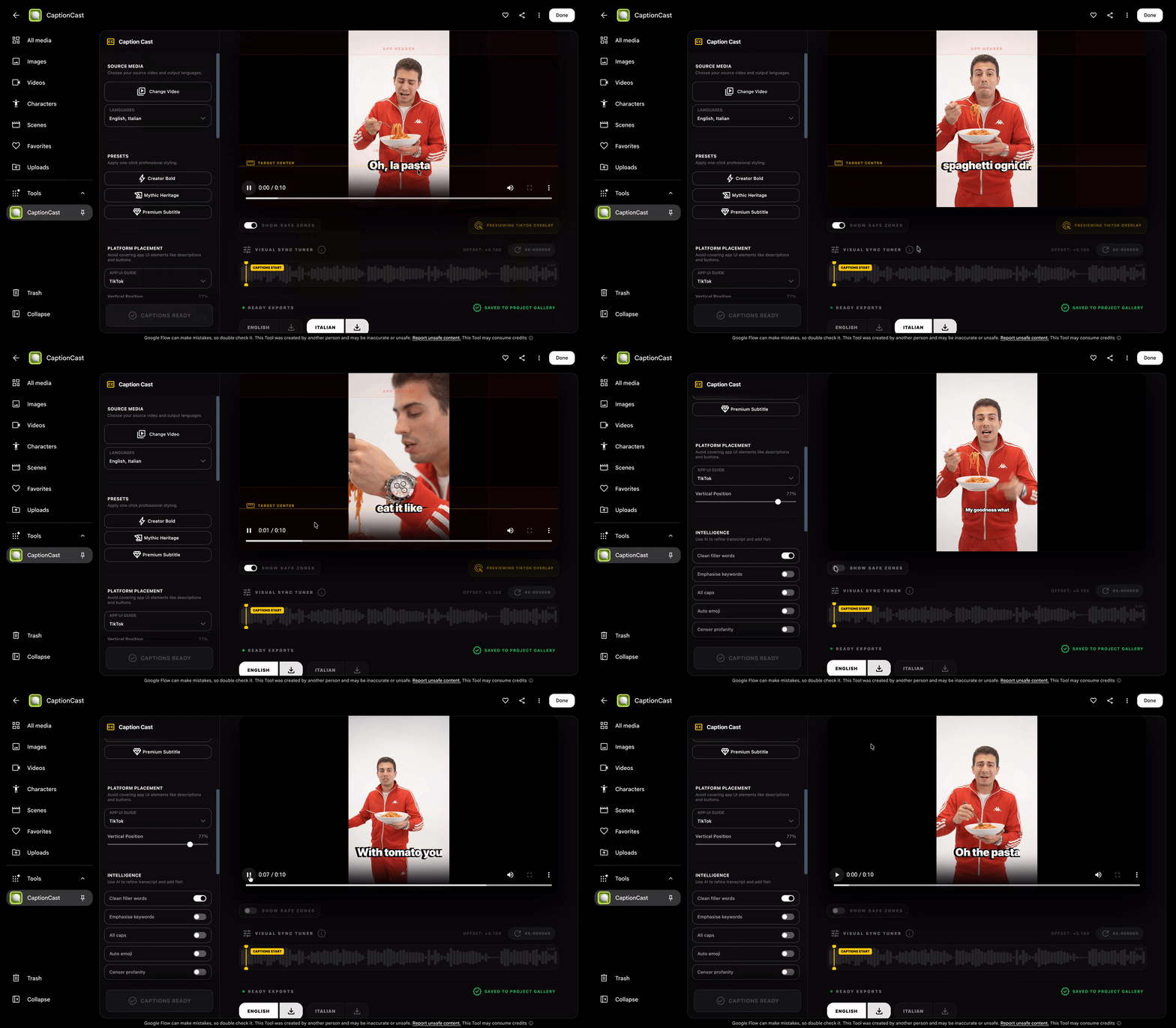
2. CaptionCast, by digital storyteller Jay Pirabakaran.
The digital storyteller known for weaving ancient mythology into cinematic, high-fashion visuals, created the tool to eliminate manual subtitling with a simple, single-pass pipeline that transcribes, styles, and animates multilingual captions in seconds.
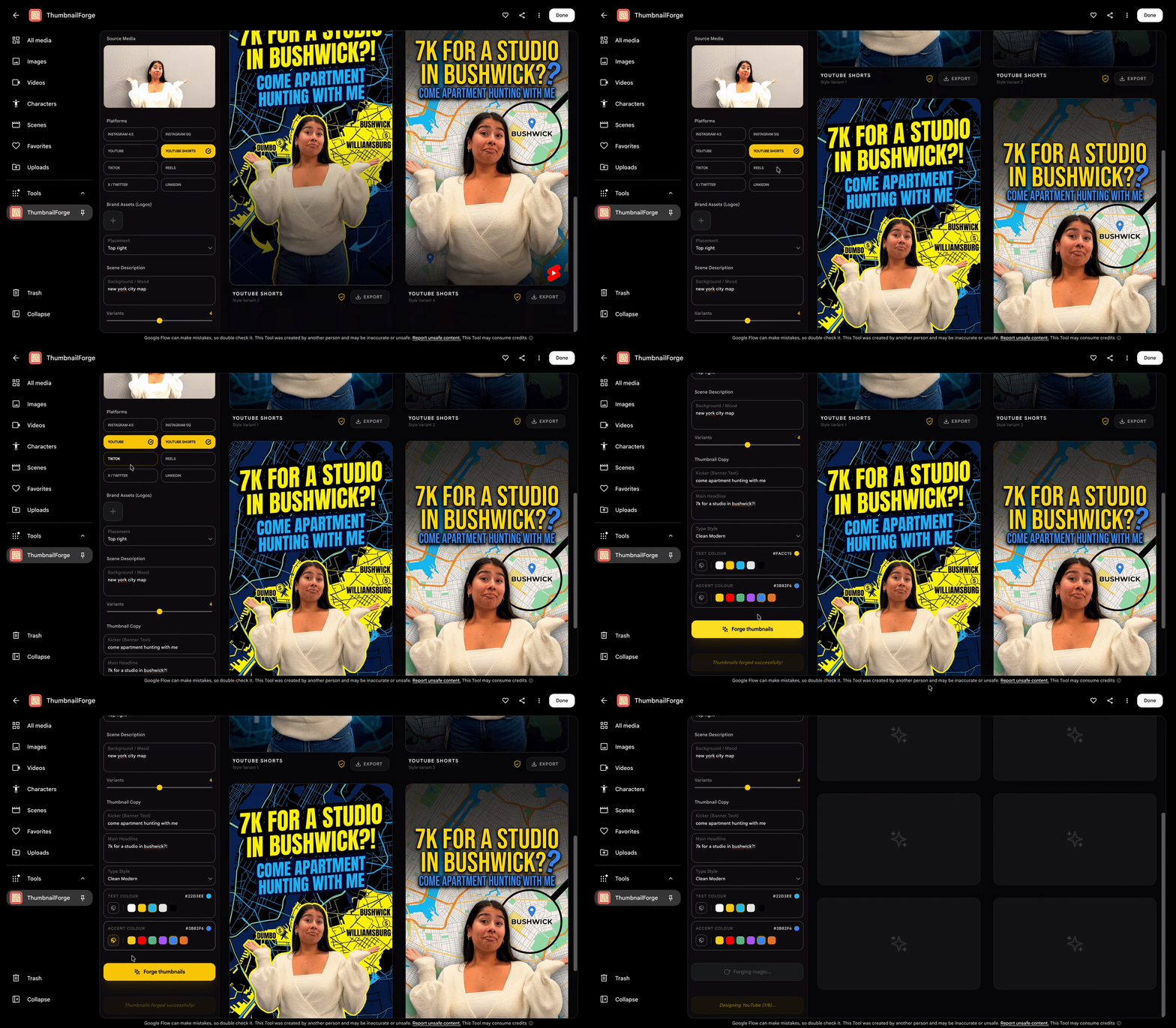
3. ThumbnailForge, also by Jay Pirabakaran.
It replaces tedious manually formatting and rendering cover art across social platforms by combining a single image, headline, and prompt into photorealistic, high-engagement social thumbnails.
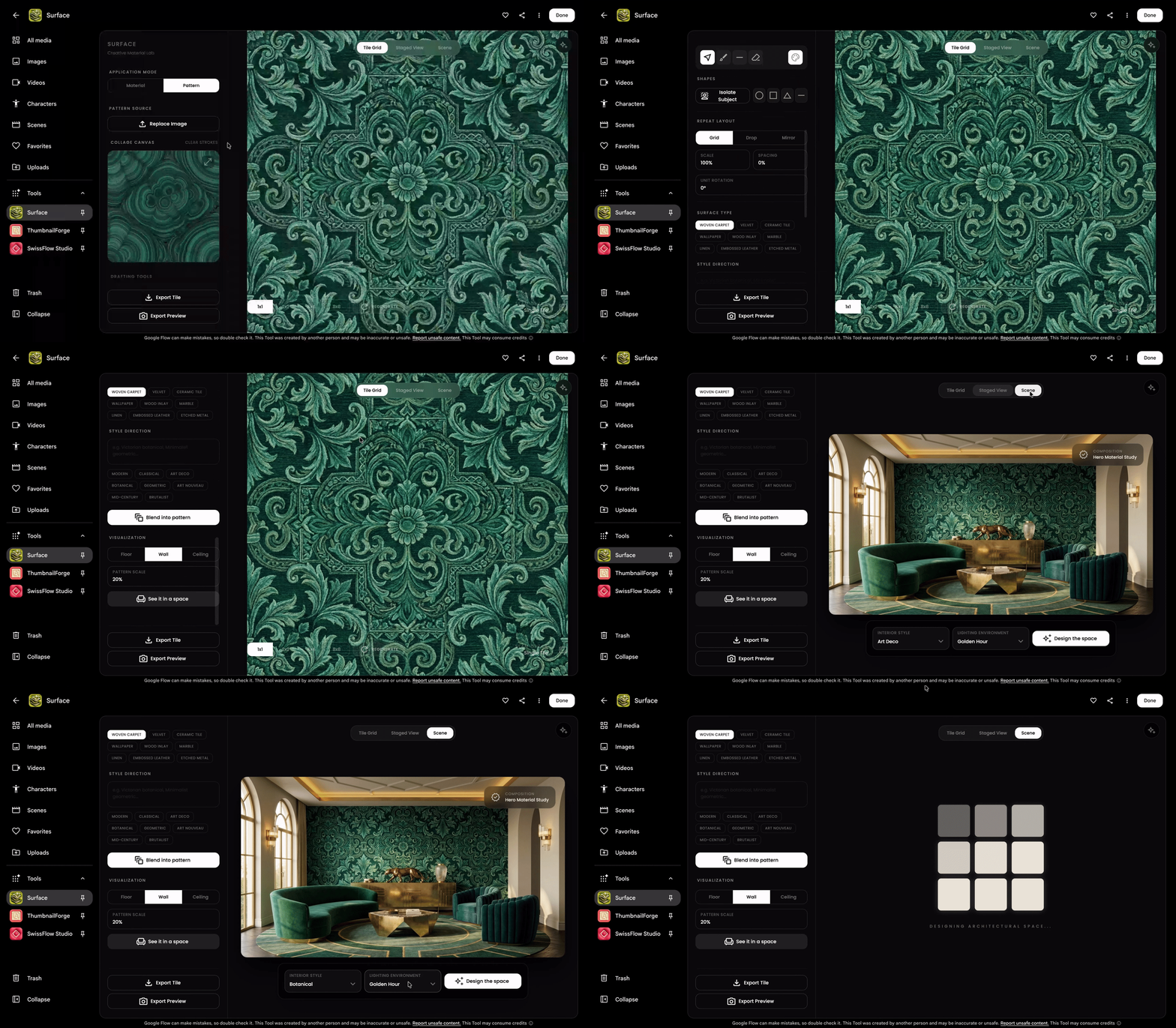
4. Surface, by interior designer and multidisciplinary technologist Vojtek Morsztyn.
Recognizing how time-consuming it is to manually source, test, and render architectural materials during the ideation phase, Surface accelerates material ideation by generating custom textures — from Minimalist patterns to Art Deco tiling — and mapping them in real-time onto 3D walls, ceilings, and floors.
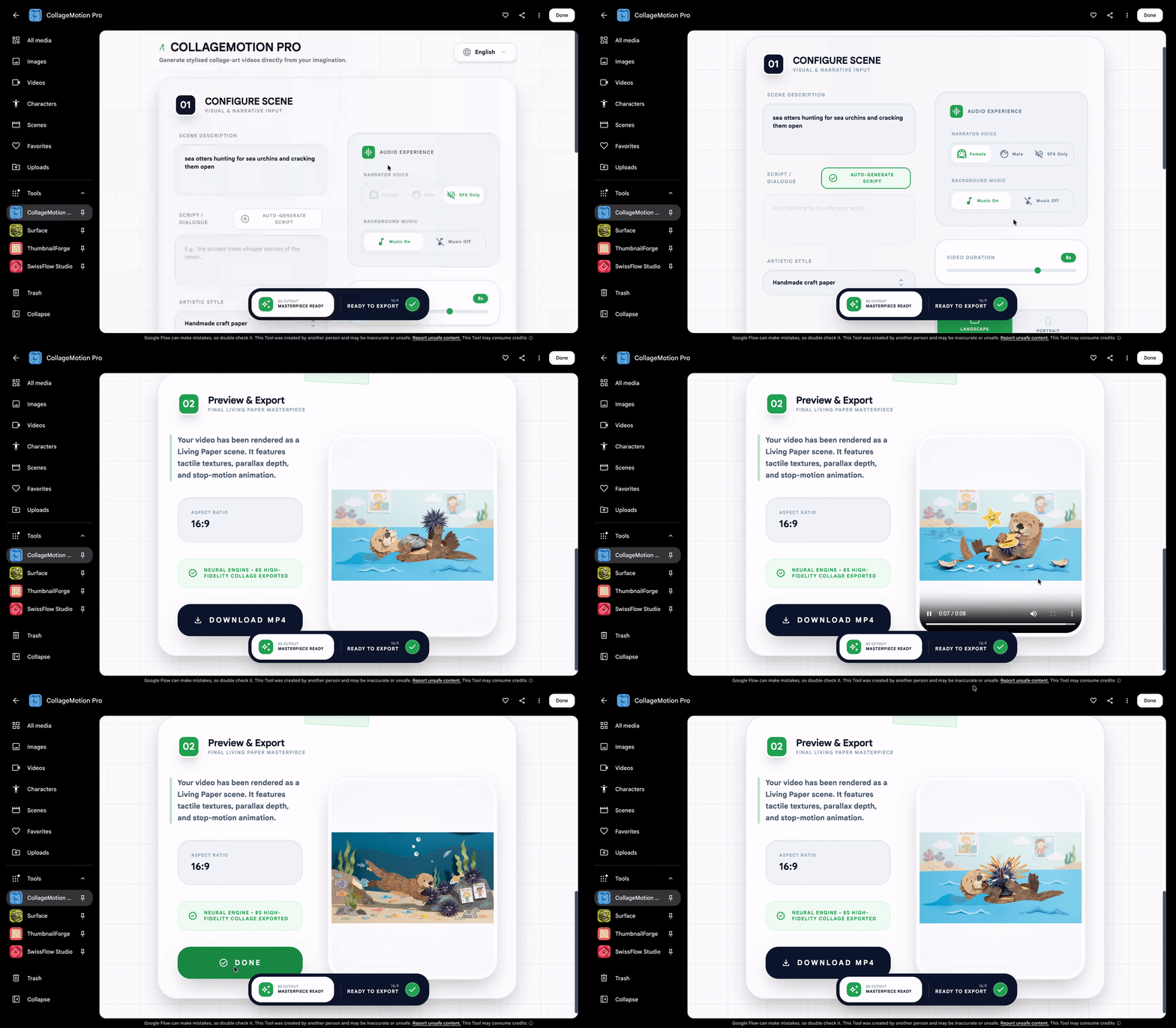
5. CollageMotion Pro, by filmmaker and science communicator, Hashem Al-Ghaili.
Knowing firsthand how compelling mixed-media visuals are for documentary storytelling — and how labor-intensive they are to craft by hand — he built this tool to automate this workflow and to generate dynamic, animated collages at scale from simple text prompts.
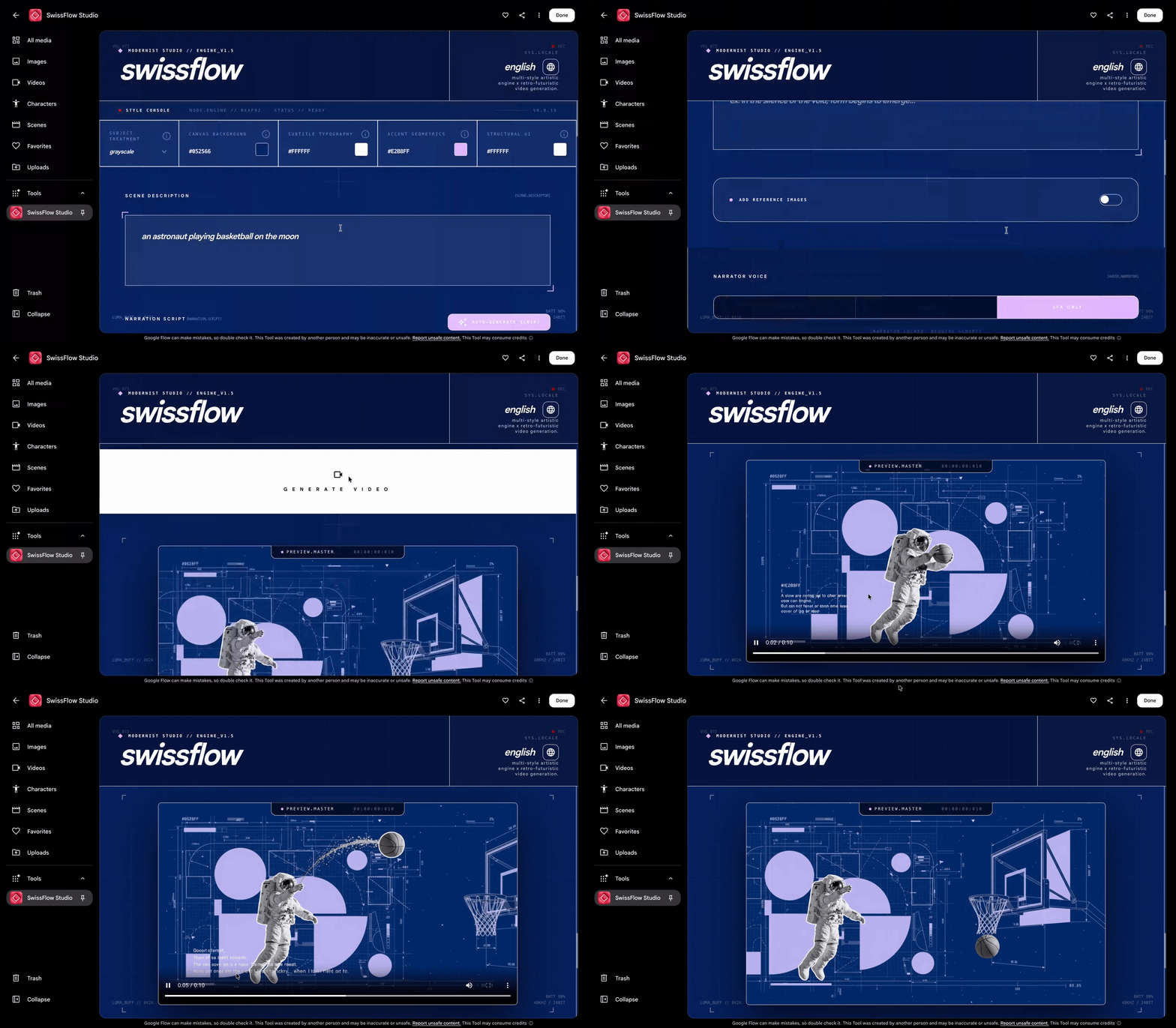
6. SwissFlow Studio, also by Hashem Al-Ghaili.
This tool simplifies traditional keyframing by converting scripts into Swiss-style motion graphics. This helps creators, designers, and marketers to produce striking motion design on demand — shifting the creative focus to compelling storytelling.
Rather than adapting to rigid, one-size-fits-all software, artists and designers can now shape their own creative technology.
- Try the tools: Click the links above to test these workflows firsthand.
- Make them yours: Duplicate and remix any tool to fit your setup.
- Build from scratch: Open Google Flow, describe the task, and build your own tool today.